Mobile Apps for Field Teams: Connecting Sales Reps, Technicians, and Delivery Staff with Office Systems
In this article
- Summary
- The gap between field and office
- Work worth moving into the app
- Designing for field conditions
- Working without signal
- Evidence on the spot
- Location: benefits and reasonable limits
- The link with ERP and CRM
- The office side: scheduling and monitoring
- Device and data security
- Making sure the app is really used
- Custom app or off the shelf product
- Measures worth watching
- Common mistakes to avoid
- First steps you can start this week
- Closing
Some of the most important work in many companies happens far from an office desk. Sales reps visit customers' shops, technicians repair machines on site, drivers deliver goods, and surveyors check conditions in the field. They are the ones who meet customers and generate revenue, yet they are often the ones least supported by the company's systems.
In many places, field teams still work with paper, photos in a phone gallery, and reports through a chat group. Orders are written in a notebook and retyped by an admin the next day. Visit reports are sent as long messages that are never summarised. The office does not know what happened until the afternoon, and the field team does not know the stock, the latest prices, or the history of the customer in front of them.
This article covers how to design a mobile app for field teams: sales reps, technicians, delivery staff, and surveyors. We discuss the work worth moving into an app, working without signal, proof of visits, the link with ERP and CRM, privacy and security, and how to make sure the app is genuinely used. There are no invented figures; what we offer are principles and a checklist from a business owner's point of view.
Summary
- A field app succeeds when it makes work easier for the people using it, not merely when it monitors them
- Design for weak signal: essential data is stored on the device and sent when the network returns
- Capture evidence on the spot: photos, signatures, location, and time
- Connect to ERP and CRM so orders and reports are not retyped
- Explain openly what location data is collected and what it is for
The gap between field and office
The central problem of field work is the information gap. The office has data: prices, stock, customer receivables, repair history, and schedules. The field has reality: what the customer is asking for, the state of the machine, competitors' goods on the shelf, and the reason an order fell through. As long as the two are connected only by phone and chat, each works with an incomplete picture.
That gap creates costs that are rarely counted. A sales rep promises goods that turn out to be out of stock. A technician arrives without the right spare part and has to come back the next day. An admin spends the morning copying orders from photos of handwriting. Invoices are raised late because the job completion record has not reached the office.
A mobile app closes that gap in both directions. Office data reaches the field worker's hand at the moment it is needed, and events in the field reach the office system as they happen. The app's value lies in this two way exchange, not in merely replacing paper with a screen.
Work worth moving into the app
Not everything needs to go into the app in the first version. Choose the work that is done most often, goes wrong most often, or takes longest to reach the office. It usually falls into the following groups.
- Today's schedule and visit list with addresses and directions
- Customer information: order history, receivables, notes from previous visits
- Creating orders or quotations on the spot with the latest prices and stock
- Service work orders: complaint, action taken, spare parts used, outcome
- Proof of delivery of goods or completion of work
- Survey and inspection forms with standard checklists
- Collections and recording of payments received in the field
Start with one role and one flow that is complete from start to finish. An app that finishes one job thoroughly is more useful than an app that touches ten jobs halfway and still needs paper for the rest.
Designing for field conditions
Field workers use an app in conditions very different from office workers. They are standing, sometimes in harsh sunlight, with one hand holding goods. They are pressed for time and the customer is waiting in front of them. A design that is comfortable at a desk may be entirely unusable in a customer's warehouse.
So the screens must be simple. Large buttons, text readable in bright light, and as few steps as possible. Replace typing with choosing, scanning, and photographing. Fill in automatically whatever the system already knows, such as the date, location, and customer details. Every mandatory field must have a strong reason.
Consider the devices too. Field teams often use midrange phones whose battery has to last all day. An app that drains power, is heavy, or eats a lot of data will be switched off. Test the app on the devices the team actually uses, not only on the developer's latest phone.
Working without signal
The field is full of places with no network: basements, metal walled warehouses, factory zones, and remote areas. An app that stops working when the signal drops will be abandoned quickly, because field workers cannot wait. For many teams, the ability to work offline is not an extra feature but a requirement.
An offline design means the data needed that day, such as the visit list, customer details, and catalogue, is downloaded to the device beforehand. Work that is recorded is saved on the device and then sent automatically when the network is available. Users must be able to see clearly what has been sent and what is still waiting.
The hardest part is handling data conflicts. What if two people change the same record, or stock that looked available offline has in fact run out? The rules for these situations must be decided with the developer from the outset, because they concern how your business works, not just technical matters.
Never let work be lost
A team's trust in an app is destroyed when a report they filled in vanishes because the signal dropped. Save every input to the device immediately, and never depend on the network to save work in progress.
Evidence on the spot
One of the biggest benefits of a field app is evidence recorded right where things happen. A photo of the goods handed over, photos of a machine before and after repair, the recipient's signature on the screen, and the automatically recorded location and time turn arguments into facts.
This evidence speeds up the flow of money. A completion record signed on a phone reaches the billing team the same minute, so the invoice can be raised that very day. Disputes about goods supposedly not received or work supposedly unfinished can be answered with a clear record.
For evidence to be useful, link it directly to its transaction. A photo saved in an employee's personal phone gallery cannot be found three months later. A photo taken through the app and attached to a delivery number or work order can be found within seconds by anyone authorised.
Location: benefits and reasonable limits
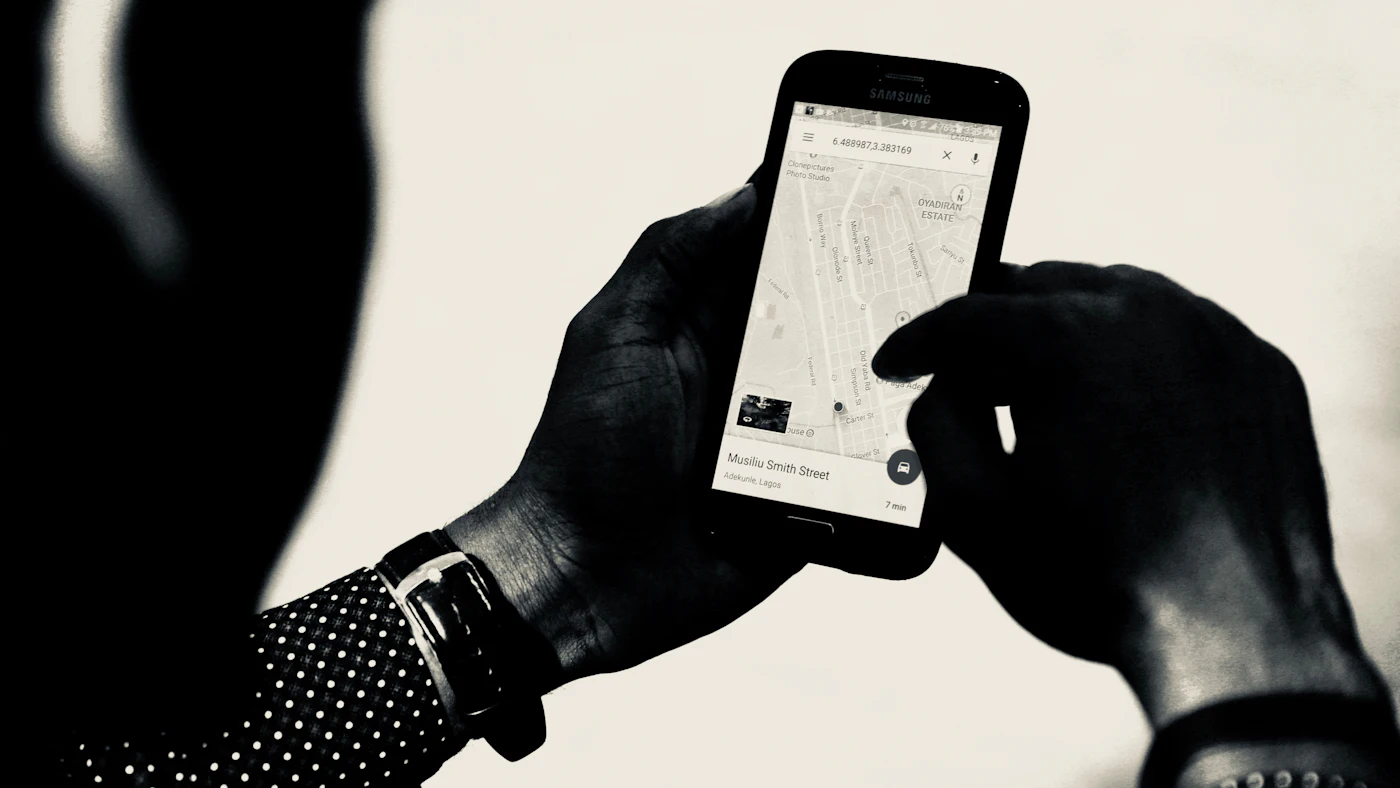
Location data is useful for many things: arranging the order of visits to save travel, giving customers an estimated arrival time, recording proof of presence on site, and assigning urgent jobs to the nearest worker. But location data is also what most easily creates a feeling of being watched.
Distinguish recording location at the moment of an event from continuous tracking. Recording a point when a worker starts and finishes a visit usually meets the business need. All day tracking needs a stronger reason, such as for a delivery fleet, and is best active only during working hours.
Explain to the team what data is collected, when, who sees it, and for what purpose. Put it in a written policy and comply with the employment and personal data protection rules that apply to you. This openness is not merely an obligation; an app regarded as a spying tool will be resisted in all sorts of creative ways.
The link with ERP and CRM
A field app that stands alone only moves the retyping from paper to another screen. The real benefit appears when the app is connected to the core systems. An order created by a sales rep immediately becomes a sales order in the ERP, reduces stock, and appears in the warehouse queue without an admin's involvement.
In the other direction, the app pulls in data that makes field workers better prepared: special prices per customer, credit limits, unpaid invoices, available stock, and the repair history of a machine. A sales rep who knows their customer still has overdue invoices will speak in a different way.
This connection requires a tidy data interface on the core system's side and clean master data. The same item codes and customer codes must be used everywhere. Before building the app, check whether your current system can supply the data needed; if not, that work needs to go into the plan.
The office side: scheduling and monitoring
A field app always has a counterpart in the office: screens for building schedules, assigning work, and monitoring progress. Supervisors need to see quickly which jobs are unassigned, which are late, and who still has time. Without a good office side, a field app is merely a recording tool.
Design monitoring around exceptions. A supervisor does not need to watch every movement; they need to be told when something deviates, such as a missed visit, a job running far beyond its estimated time, or a customer refusing to accept goods. That way attention is directed to where it is needed.
Customers can also be given a small window into this process: a notice that the technician is on the way, an estimated arrival time, and a copy of the completion record once the job is done. Simple things like this reduce phone calls asking for updates and give the impression of an organised company.
Device and data security
Field phones carry customer data, prices, and sometimes money from collections. Phones are also easily lost, dropped, or stolen. The security design must start from the assumption that one day a device will fall into someone else's hands.
- Require a screen lock on devices that install the app
- Limit the data stored on the device to what that person's work requires
- Provide a way to revoke access and wipe the app's data remotely
- Set access rights per role so a sales rep sees only customers in their territory
- Log important actions such as price changes, discounts given, and money received
- Revoke access immediately when an employee leaves or changes role
Decide, too, whether devices are provided by the company or are the employees' own. Company devices are easier to control but add cost. Personal devices are cheaper but need a clear boundary between work data and personal data, and an agreement on what the company may do on that device.
Making sure the app is really used
Many field apps fail not because of the technology but because they are not used. Field workers judge quickly whether a tool helps or hinders. If the app adds work without bringing any benefit to them, they will fill it in carelessly at the end of the day or find ways to avoid it.
Involve a few field workers from the design stage. They know the real order of work and the obstacles that cannot be seen from the office. Make sure the app gives something to its users: information that makes selling easier, transparent incentive calculations, or fewer reports to write at night.
Run a trial with a small group in real conditions, improve it based on their feedback, then expand. Stop the old way on a clear date once the app is stable. As long as reports by chat are still accepted, some people will keep using them and your data stays split in two.
Custom app or off the shelf product
There are off the shelf products for common field needs, such as sales force automation and service management. Products like these are quick to deploy and suit you if your workflow is close to the standard one. Check their ability to work offline, how easily they connect with your systems, and the cost per user as the team grows.
A custom built app makes sense when your workflow is a business advantage, when the link with ERP must be very tight, or when an off the shelf product forces the team into a way of working that does not fit. The cost is higher at the start, but you own a tool that follows your process.
Whichever you choose, start from the process, not the features. Map out a working day for a sales rep or technician from morning to afternoon, mark the slow and error prone points, then judge each option by how well it improves those points.
Measures worth watching
- Number of visits or jobs completed per person per day
- Share of scheduled visits that actually took place
- Time from a job being finished to the invoice being raised
- Share of service jobs completed on the first visit
- Number of orders that had to be corrected because of a wrong price or empty stock
- Share of team members who use the app every working day
Use these figures to improve the process, not to punish individuals. Visits that often do not take place may be caused by an unreasonable route. Jobs rarely finished on the first visit may be caused by unavailable spare parts. Measures used fairly make the team willing to record honestly.
Common mistakes to avoid
- Designing the app from the office without involving field workers
- Relying on signal always being there
- Requiring too many fields on every visit
- Tracking location continuously with no explanation and no policy
- Leaving the app standing alone with no link to ERP or CRM
- Still accepting reports by chat after the app is launched
First steps you can start this week
- 01Shadow one field worker for a day and note everything they write, ask, and wait for
- 02Pick the one flow that is most frequent and slowest to reach the office as the first target
- 03List the data from office systems that should be available in a field worker's hand
- 04Check whether your ERP or CRM can supply and receive that data
- 05Draft a policy on the use of location data and discuss it with the team
Closing
A mobile app for field teams has value when it closes the gap between where the work is done and where the data is kept. Field workers get information that makes them better prepared, the office gets events as they happen, and customers get more dependable service. Invoices go out faster, errors fall, and reports are no longer rewritten.
The key is to design from the point of view of the person holding that phone: simple, resilient to poor signal, and genuinely helpful. If they feel the benefit, good data will follow by itself.
Is your field team still reporting on paper and in chat groups?
The AG·SORA team builds mobile apps for sales reps, technicians, and delivery staff that work without signal, capture evidence on the spot, and connect directly to your ERP and CRM. The initial consultation is free and without obligation.
Free consultationRecommended for you
Reading related to this topic
SSO and Identity Management for Business Apps: One Sign In, Controlled Access
How to tidy employee accounts across many applications: what SSO is, multifactor authentication, the employee account life cycle, role based access rights, and a staged rollout plan.
IoT and Sensors for Small Business: What Is Realistic, What Is Useful, and How to Start
IoT seen from the viewpoint of a small business owner: sensible use cases, system components, connectivity and power, the link with apps and ERP, security, hidden costs, and a small trial.
Recruitment and Applicant Tracking Systems for a Growing Business
When a business needs an ATS, its core functions, designing a fair hiring flow, protecting candidate experience, applicant data protection, and choosing the right system.
Free checklist: choosing a software house
24 points to evaluate a vendor before you sign. Can be saved as a PDF.
Ready to build a system that grows with your business?
Discuss your needs with the AG·SORA team, no cost, no commitment.