Store Network Infrastructure and Devices: The Physical Foundation of a Smooth POS
In this article
- Summary
- Why infrastructure shapes the customer experience
- Mapping your store's needs
- Internet connection: options and backup
- The local network inside the store
- Choosing POS devices and peripherals
- Power and backup power
- Device and network security
- Procedures for when things fail
- Routine maintenance and asset records
- Setting up a new store or overhauling an old one
- Practical steps to strengthen store infrastructure
- Conclusion
When a shop owner chooses a new POS system, attention almost always goes to the software: reporting features, payment integration, and ease of use. These things do matter. But there is a layer underneath that decides whether all those features can actually be used at peak hours: the network, power, and hardware. A system that shines in a demo can be crippled in a store if the wifi keeps dropping or the checkout tablet runs out of battery in the middle of a queue.
Infrastructure failures have an irritating character. They rarely arrive when the store is quiet. They usually appear exactly when the queue is long, when customers are already holding their goods and waiting to pay. One minute of an unresponsive system feels like ten to a waiting customer, and some will simply leave their basket behind.
This article covers the physical foundation behind a store system: internet connection, local network, POS devices and peripherals, power, security, and maintenance. We write it for shop owners and operations managers, not network engineers. We name no particular brands or prices because they change fast and differ by region; what we offer is a way of thinking, questions worth asking, and a checklist you can apply in your own store.
Summary
- A POS system is only as strong as the infrastructure beneath it: internet, local network, power, and devices
- Plan connectivity around the store's real needs, and prepare a backup route so one failure does not stop sales
- Separate the operational network from the guest network, and secure access to devices and the router
- Choose devices for durability, ease of maintenance, and compatibility with the software, not just price
- Prepare procedures for outages, schedule routine maintenance, and record all assets so replacements are planned
Why infrastructure shapes the customer experience
Customers do not care whether the cause of a long queue is software, wifi, or the receipt printer. They only feel that your store is slow. That is why infrastructure is part of the customer experience, not a behind the scenes technical matter. A store with great products but frequently stalled payments will keep losing sales and reputation.
Infrastructure also affects employees. Devices that are slow, often freeze, or need restarting many times frustrate cashiers and make mistakes more likely. Cashiers used to a reliable system work more calmly and quickly, which ultimately shows in customer satisfaction.
There is a data side too. If the connection often drops and transactions are not saved properly, sales and stock reports become inaccurate. Small repeated discrepancies pile up into recording problems that are hard to trace. Reliable infrastructure keeps data clean from the very first point where a transaction happens.
Mapping your store's needs
Before buying anything, first map what actually needs to be connected. Draw a simple floor plan of the store and mark the points that need connectivity or power: the checkout counter, shelves, a small stockroom, the office, the entrance, and customer areas. Note also which devices must be online all the time and which only occasionally.
A typical list of devices in a retail store includes POS devices such as computers, tablets, or dedicated terminals, barcode scanners, receipt printers, cash drawers, card or QRIS payment machines, tablets for stock, security cameras, and sometimes price displays or advertising screens. Each has different connectivity and power needs. Knowing their number and type helps you estimate the network capacity needed.
Consider growth too. If you plan to open a branch, add cashiers, or add device types within the next year, design the infrastructure with room to grow. Running extra cable during the initial installation is far cheaper than tearing into walls later.
Internet connection: options and backup
Most modern POS systems are cloud based or at least need internet for data synchronisation, digital payments, and stock updates. So the internet connection is the store's bloodstream. A few considerations help in choosing and securing it.
- 01Check which providers are available at your location and compare their reliability, not just the speed in the advertisement
- 02Choose a plan for real needs; a store with several cashiers and digital payments usually depends more on stability than on peak speed
- 03Ask other shop owners in the same area about their experience with particular providers
- 04Prepare a backup route from a different provider, for example a main wired connection with a cellular network backup
- 05Make sure the router supports automatic failover to the backup route where possible
A backup route is often considered excessive until the first outage. One provider can suffer an area outage for hours, and your store can do nothing. With a backup connection, even a simple one, sales carry on. The cost of a backup is generally far smaller than the sales lost in a single day of outage.
Offline mode in the software
Choose a POS system that can still record transactions when the internet drops, then synchronise them once the connection returns. This feature saves the store from total paralysis. Understand its limits: digital payments generally need a connection, so offline mode is more useful for cash and record keeping. Test it for real by deliberately cutting the connection, and make sure cashiers know what to do. This topic relates to our discussion of when an app needs to work offline.
The local network inside the store
Good internet is useless if the network inside the store is poor. Many problems blamed on "slow internet" actually come from the local network: a cheap router that is overwhelmed, weak wifi signal in certain corners, or too many devices fighting over one channel.
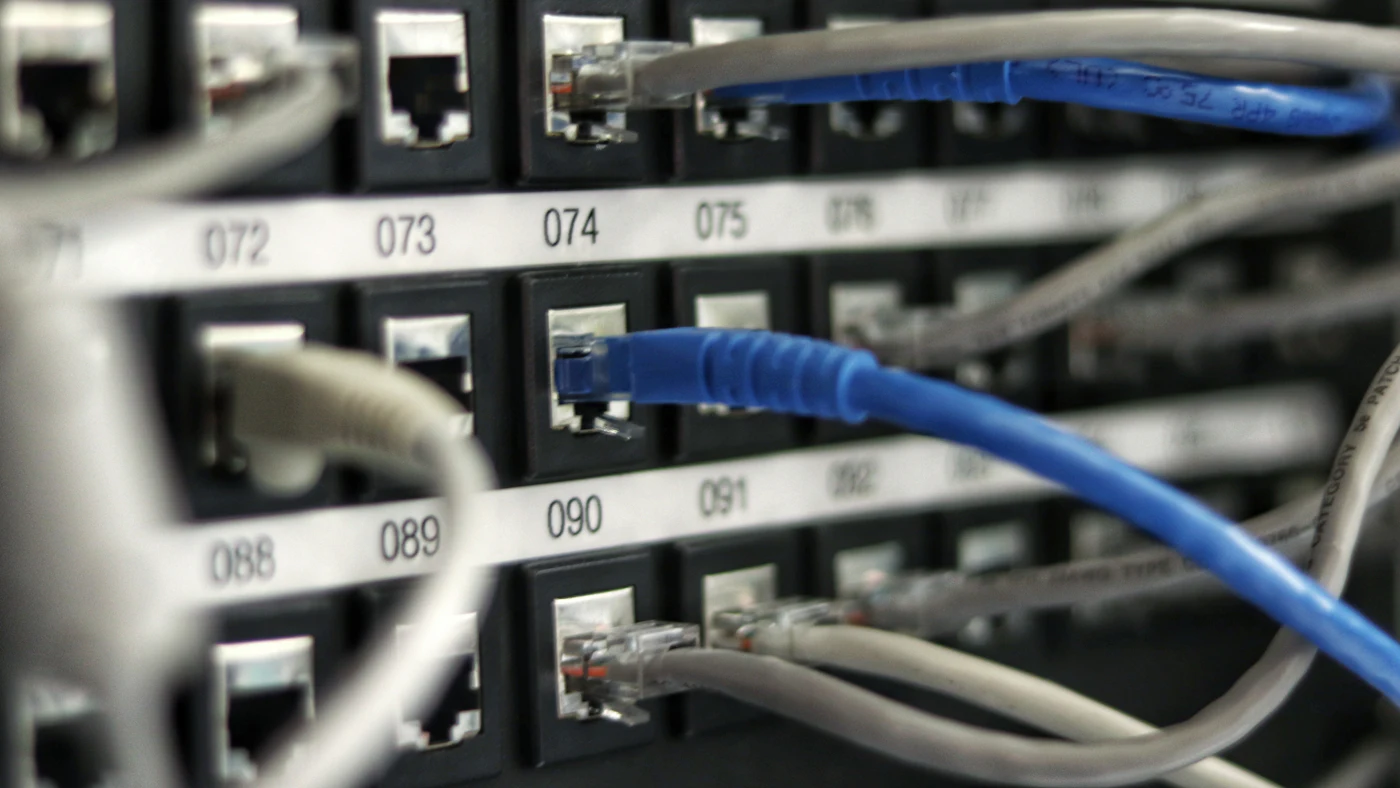
For devices that do not move, such as the POS computer and printer, a wired connection is usually more stable and faster than wifi. Use wifi for mobile devices such as stock tablets and waiters' phones. If the store is fairly large, one router will not cover the whole area; consider several access points placed strategically, then test signal strength in frequently used corners.
Separate the operational network from the guest network. If the store offers free wifi to customers, do not let them share a network with the POS devices. This separation protects data and prevents customers from disturbing, deliberately or not, important devices. Many modern routers support a separate guest network with simple settings.
Managing addresses and device names
Give every device a clear name and, where needed, set a fixed network address for important devices such as printers. Devices whose addresses keep changing often cause printers that suddenly disconnect and confusion for whoever tries to fix them. Record this configuration in a simple document kept safe.
Choosing POS devices and peripherals
Choosing devices is not just comparing prices. Store devices work hard: used all day, exposed to dust, spilled drinks, and not so gentle handling. Choose with durability and fit in mind, not just specifications on paper.
Consider compatibility with your POS software. Make sure scanners, printers, cash drawers, and payment machines are officially supported by the system you use. Buying devices that turn out to be incompatible is an expensive mistake that happens fairly often. Ask the software provider for the list of supported devices before buying.
Think also about ease of maintenance and replacement. A device whose spare parts are easy to get and which can be replaced quickly is worth more than an advanced device that breaks and then has to wait for weeks. For critical devices such as receipt printers and scanners, many stores keep one spare unit so replacement takes minutes.
Computer, tablet, or dedicated terminal
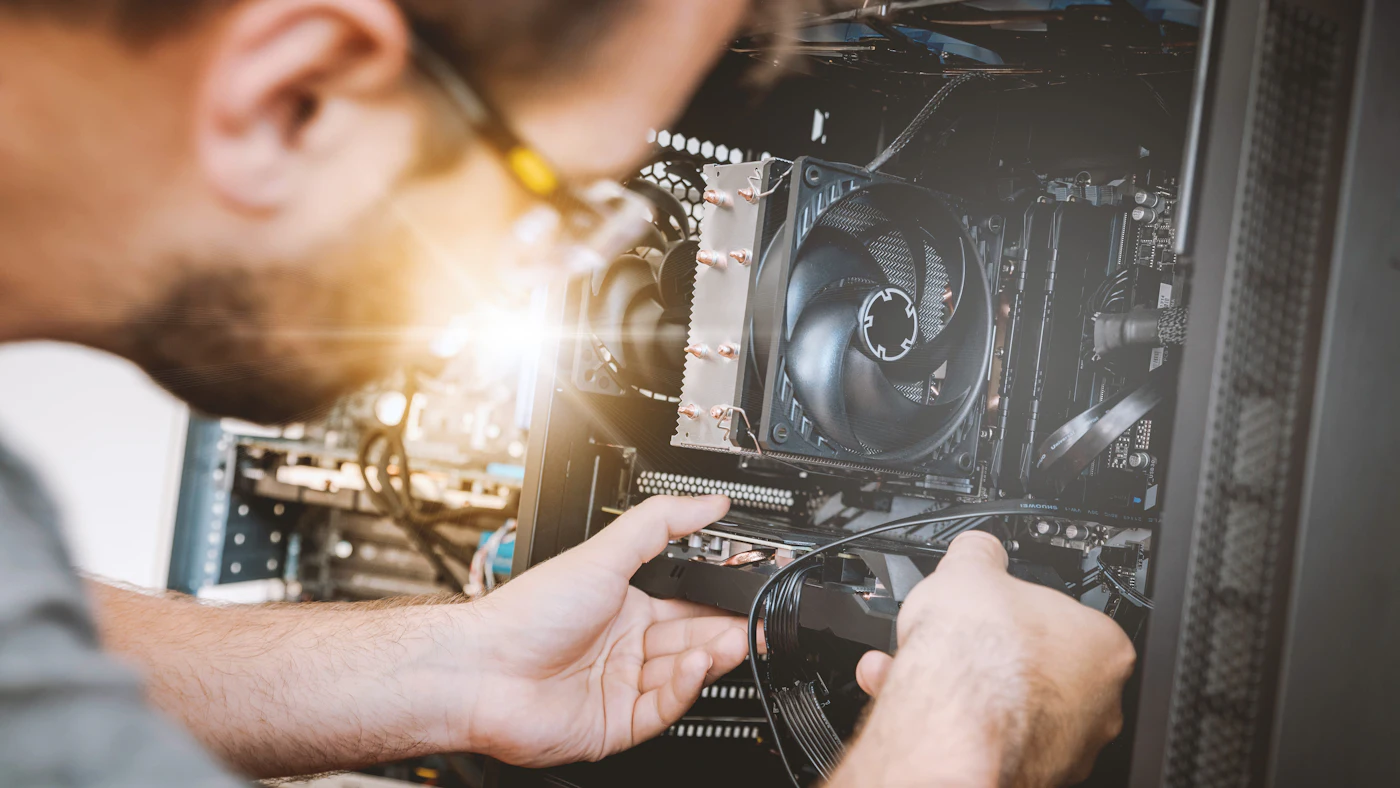
Each has its strengths. An ordinary computer is flexible and easy to repair, but more easily distracted by things unrelated to checkout. A tablet is compact and space saving, suited to small shops and cafes, but needs a sturdy stand and good power management. A dedicated POS terminal is usually more rugged and integrated, at a price that is often higher. Choose what fits the scale and working environment of your store, and restrict POS devices to run only the necessary applications so they are more stable and secure.
Power and backup power
Electricity is often a forgotten weak point. A brief outage or fluctuating voltage can switch devices off suddenly, corrupt data being written, and even damage equipment. Basic protection is not expensive but is very valuable.
Use stabilisers or surge protectors for important devices. Install backup power supplies, or UPS units, on the router, modem, and main POS devices so the store can finish transactions and shut down safely when power fails briefly. For regions with frequent outages, consider a larger backup power solution suited to the need.
Arrange cables neatly and safely. Cables dangling on the floor endanger employees and customers and are easily pulled out. Use covers or cable channels, and label important cables and plugs so they are easy to identify when repairs are needed. Avoid piling too many devices onto one socket, and keep electrical connections away from areas prone to getting wet.
Device and network security
Store devices hold and process important data: transactions, stock, and sometimes customer data. Basic security protects your business from misuse, both from outside and from within.
Store security basics
Change the default passwords on all network devices, limit who holds administrator access, update software regularly, and do not let POS devices be used for personal purposes such as browsing the internet or installing random apps.
A few extra practices help. Use separate accounts for each cashier and manager with access rights matching their roles, so every action can be traced. Keep the router and network equipment in a place not easily reachable by the public. If you use security cameras, protect access with a strong password and limit who can view recordings. For payment machines, follow the provider's instructions and never store card data on your own devices.
If the store records customer data, such as phone numbers for a loyalty programme, treat it as personal data and comply with applicable rules. Refer to the latest provisions from the competent authorities, and do not rely on summaries that may be out of date. A data backup strategy is also important; we cover it in our article on business data backup strategy.
Procedures for when things fail
Outages will happen, however small the likelihood. The difference between a store that stays calm and one that panics lies in readiness. Write a simple emergency procedure and make sure all employees know what it says.
The procedure answers questions like: what does the cashier do if the system does not respond, how to record transactions temporarily by hand, who to contact and at what phone number, and how manual data is entered into the system after recovery. Post a summary near the checkout counter. Run a short drill occasionally so the procedure is not just written but truly understood.
Also prepare a list of emergency contacts: the internet provider, a technician, the POS software provider, and the payment machine provider. When an outage hits, time spent hunting for a phone number is valuable time lost. Note down basic troubleshooting steps too, such as checking cables, restarting the router, and making sure devices are connected to the right network, which often resolve most minor problems without calling a technician.
Routine maintenance and asset records
Good infrastructure is not installed once and forgotten. Schedule simple routine maintenance: cleaning dust from devices, checking cables and connections, updating software and firmware, testing the backup connection, and checking the batteries of backup power supplies. Small, consistent maintenance prevents big, unexpected breakdowns.
Record all assets in a simple list: device type, brand, purchase date, location, warranty period, and repair history. This list helps you plan replacements before devices fail, file warranty claims, and see which devices cause the most trouble. Planned replacement is far cheaper and calmer than emergency replacement in the middle of a busy day.
If you manage several branches, standardise devices and configurations as far as possible. Branches with uniform devices and settings are easier to maintain, and employees who move between branches do not have to relearn. Standardisation also makes it easier to share spare parts.
Setting up a new store or overhauling an old one
For a newly opened store, infrastructure planning should start at the layout design stage, not after the decoration is done. Decide the location of the checkout counter, cable routes, power points, and router placement from the beginning. Coordinate with the contractor so cable channels are embedded neatly rather than stuck on later.
For a store already running, improvements can be made in stages. Start with what causes the most problems: replace the old router, add a backup power supply, tidy the cables, and prepare a backup connection. Record the outages that occur over a few weeks to find the real source of the problem before spending money on a solution that misses the mark.
Practical steps to strengthen store infrastructure
- 01Draw a store floor plan and list all devices that need connectivity or power
- 02Evaluate the current internet connection and prepare a backup route from a different provider
- 03Use cables for fixed devices, tidy up the wifi network, and separate the guest network from the operational network
- 04Make sure all devices are compatible with the POS system, and prepare spare units for critical ones
- 05Install electrical protection and backup power on core devices
- 06Write an outage procedure, schedule routine maintenance, and record all assets
Conclusion
A good POS system needs a good physical foundation. Investment in a stable network, protected power, the right devices, and clear procedures is rarely visible to customers, but the results are felt every day as smooth queues, accurate data, and calm employees. Conversely, neglect of this foundation is only felt once it has become expensive.
If your store is growing or planning to move to a new POS system, take the time to assess your infrastructure before choosing software. With a strong foundation, the advanced features on top can truly be put to use.
Want a POS that runs smoothly from devices to reports?
The AG·SORA team helps design POS systems, choose the right devices, and make sure your store is ready to serve at its busiest hours. The first consultation is free and with no obligation.
Free consultationRecommended for you
Reading related to this topic
Offline First Point of Sale and Multi Device Sync: Sales That Do Not Stop When the Signal Drops
How an offline first register works, local data, resolving stock conflicts, branch synchronisation, offline payments, device security, and testing.
Franchise and Branch Network Management with a Centralised System: Growing Fast, Keeping the Brand Consistent
Shared standards, real time sales data, transparent royalties, centralised procurement, partner training, and balancing central control with autonomy.
Digital Menus and QR Ordering for Restaurants: Faster Without Losing Hospitality
Rolling out a digital menu that truly helps: benefits and limits, core features, integration with POS and kitchen, payment, the mobile experience, data, security, and first steps.
Free checklist: choosing a software house
24 points to evaluate a vendor before you sign. Can be saved as a PDF.
Ready to build a system that grows with your business?
Discuss your needs with the AG·SORA team, no cost, no commitment.