Observability, Logs, and Error Handling for Business Apps: Know About Problems Before Customers Do
In this article
- Summary
- Monitoring is not the same as understanding
- Three pillars: logs, metrics, and traces
- Deciding what is worth watching
- Handling errors in a healthy way
- Alerts that do not make the team numb
- From incident to learning
- Background jobs and integrations: the silent sources of trouble
- Cost, retention, and privacy of monitoring data
- Team culture: observability is not only a technical matter
- Choosing tools without getting lost in complexity
- A realistic staged plan
- Common mistakes
- Example: finding a payment problem in minutes
- Closing
An online shop suddenly goes quiet on a Saturday night. The team only finds out when customers send messages through social media: the pay button has not worked since the afternoon. For hours the application looked normal from the outside, but inside, one payment service kept returning errors. Nobody saw it, because nothing was designed to let anyone see it.
Stories like this are very common in businesses whose applications have grown faster than their habit of monitoring them. An application can run well for years, and then one small change, one disrupted supplier, or one surge of visitors breaks it in a way nobody can see. Without clear records and signals, the team can only guess.
This article covers observability, meaning the ability to understand what is happening inside an application from the signals it emits. We will look at its three pillars (logs, metrics, and traces), how to handle errors in a healthy way, how to build alerts that do not make the team numb, and practical steps that are realistic for small and midsized businesses.
Summary
- Observability helps the team learn about problems before customers report them
- Logs, metrics, and traces complement each other; none is enough alone
- Errors should be grouped and prioritised, not just piled up
- Good alerts are rare, clear, and always point to an action someone can take
- Start with the most important business flows, not every component at once
Monitoring is not the same as understanding
Traditional monitoring answers questions that were known in advance: is the server alive, is memory use reasonable, can the home page be opened. Such questions matter, but they only catch failures someone has already imagined. Many real problems come from unexpected combinations, such as one product type, one payment method, and one browser together triggering an error.
Observability adds the ability to ask the system new questions without first changing the code. Why is checkout slow for customers in one region? Why do invoices from one branch fail to sync? If the application emits rich enough signals, questions like these can be answered in minutes rather than in a long meeting that ends in guesses.
For a business owner, the practical value is simple: shorter recovery time, smaller losses, and fixes decided on evidence. You do not have to be an engineer to ask this of your team or vendor. Just ask: if something breaks tonight, how will we know, and how fast?
Three pillars: logs, metrics, and traces
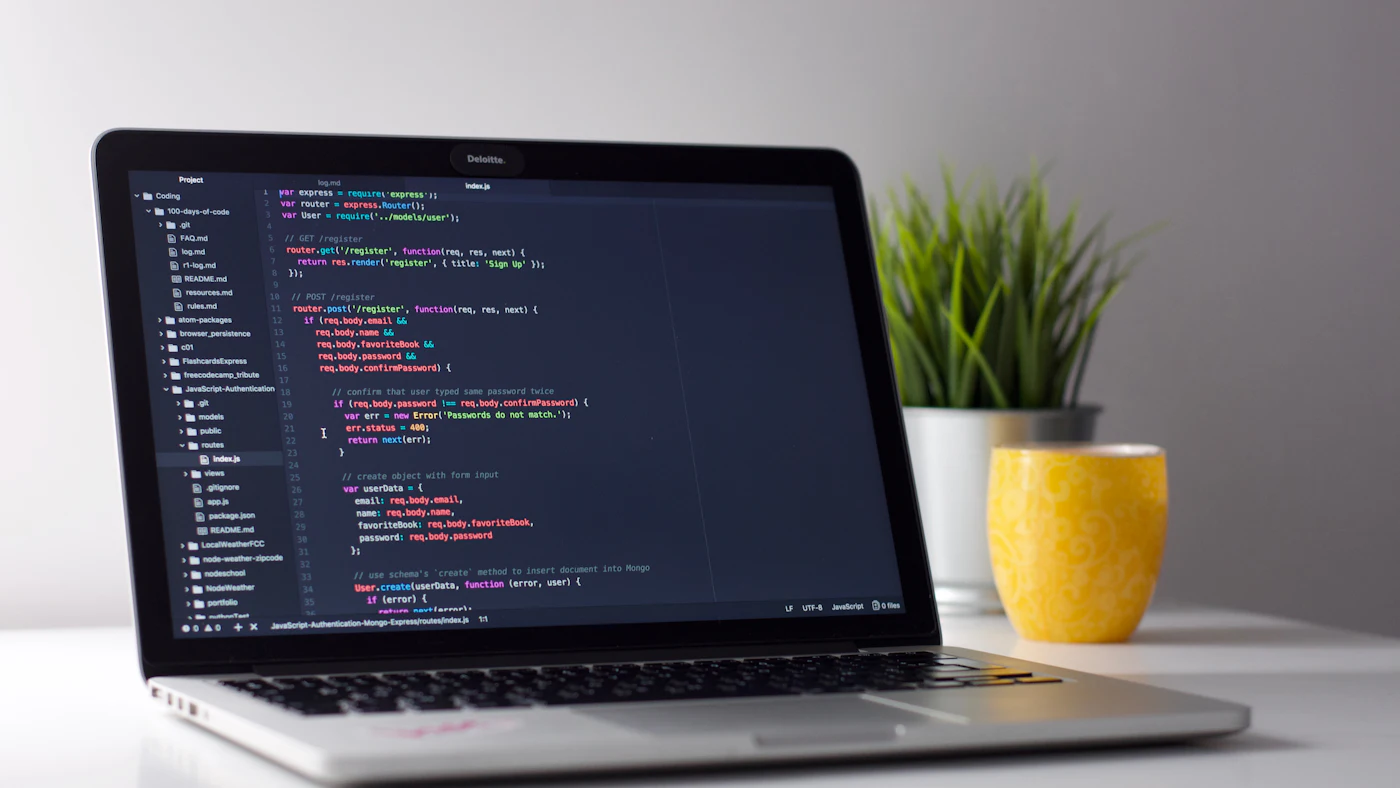
Logs are records of events the application writes, such as an order created, a payment declined, or a user failing to sign in. Good logs are structured, meaning every line carries consistent fields such as time, event type, order identifier, and severity. Free form sentences are hard to search and nearly impossible to analyse once there are millions of them.
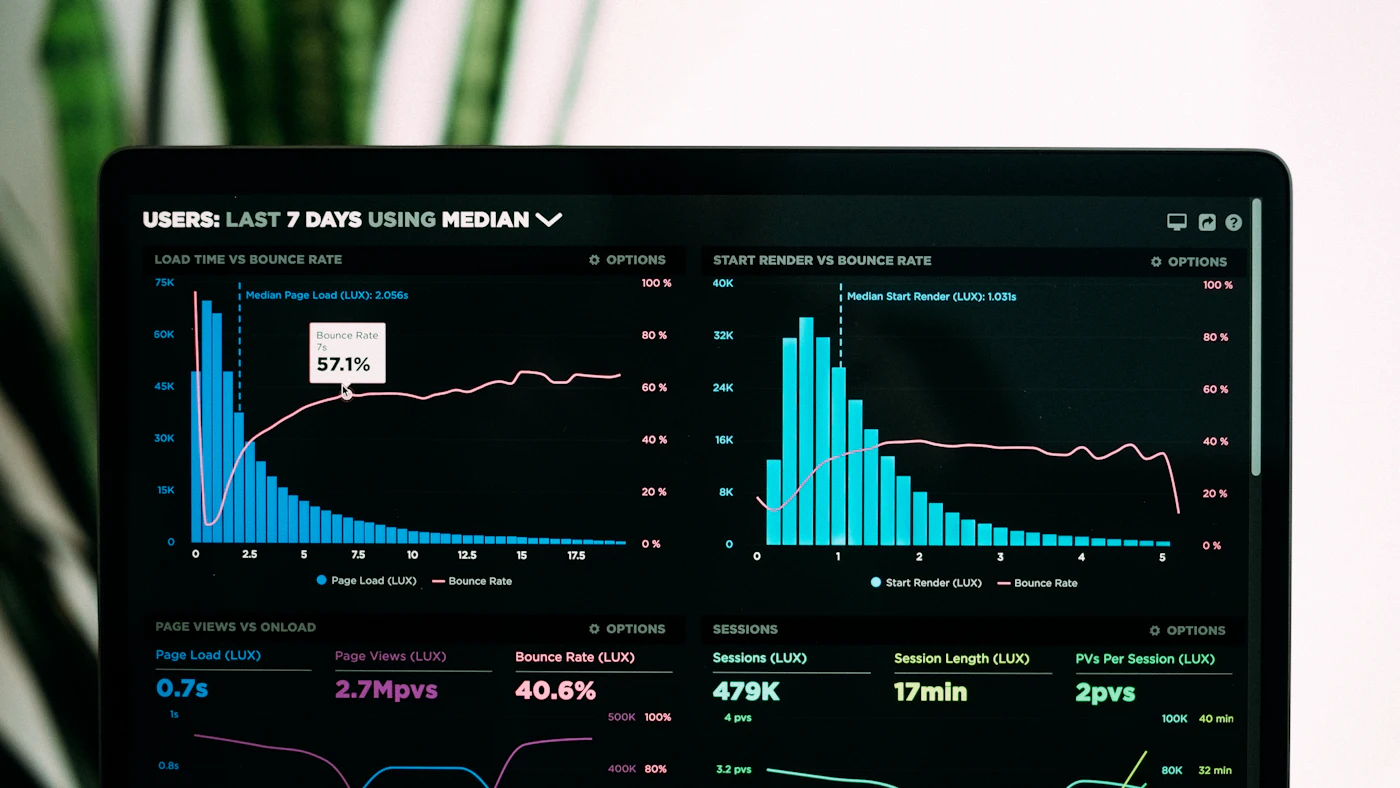
Metrics are numbers measured over time: orders per minute, average response time, the percentage of failed requests, or the number of tasks waiting in a queue. Metrics are cheap to store and excellent for seeing trends and triggering alerts. But they only tell you that something is wrong, not why.
Traces follow a single request on its journey through several services: from the browser to the application, to the database, to the payment provider, and back. A trace shows where time is lost or where an error appears. For systems with many components, traces are often the fastest tool for finding the real cause.
Deciding what is worth watching
A common mistake is to collect everything and end up drowning in data. Start from a business question: which flow, if it stops, immediately costs money? For an online shop the answer is usually product search, the cart, checkout, and payment. For an ERP system it might be invoice creation, stock synchronisation, and period closing.
From those flows, set a few indicators that reflect the user experience: what percentage of checkout attempts succeed, how long key pages take to load, how many invoices are stuck. Outcome based indicators like these are more useful than raw technical numbers because they connect directly to money and customer satisfaction.
Only then add supporting signals on components that often cause trouble. Where there are third party integrations, monitor their success rate and response time separately, because when a supplier has problems your team needs clear evidence that the cause lies outside your own system.
Handling errors in a healthy way
Errors cannot be avoided; what can be controlled is how they are handled. A good application catches errors, records them with enough context, and shows the user a clear message instead of a blank screen or a technical code. Users who see a friendly message and an option to try again tend to stay, while those who see a broken page usually leave.
Grouping errors is just as important. A thousand identical errors from one cause should appear as one problem with a count of a thousand, not a thousand separate lines. Modern error tracking tools do this automatically and show how many users were affected, which application version first introduced it, and whether it came back after being fixed.
Never log sensitive data
Logs are copied to many places and read by many people. Do not write passwords, card numbers, tokens, or full personal data into them. Mask or drop sensitive fields from the start. A leaked log must never become the way customer data escapes.
Finally, separate errors that need immediate action from those that merely need to be known. A validation error caused by a user typo is normal. An error that makes an order vanish without a trace is an emergency. Assigning the right severity keeps the team focused on what really matters.
Alerts that do not make the team numb
Alerts that fire too often make people stop paying attention. A team receiving dozens of notifications a day will instinctively filter them, and on the day a real alert arrives it is ignored along with the rest. A simple rule: every alert should be worth waking someone up for, or it should not be an alert.
Good alerts are based on symptoms users feel, not on possible technical causes. A sharp drop in successful orders or a spike in response time is a clear symptom. High processor use is not necessarily a problem. Start from symptoms, then use supporting data to diagnose.
Every alert should come with a short pointer: what it means, how urgent it is, where to look next, and who is responsible. A simple document describing first response steps, often called a runbook, saves precious time, especially when the person on duty is not the one who built the system.
From incident to learning
Every disruption is a chance to learn, provided it is reviewed without hunting for scapegoats. After the problem is resolved, write a short summary: what happened, when it was detected, how it was restored, what the underlying cause was, and what will change. A blame free postincident review makes people willing to report mistakes early.
Also track simple measures such as how long problems take on average to detect and how long to recover. Numbers that improve month after month show that the investment in observability is paying off, and numbers that stagnate tell you where attention should go next.
Connect findings to product decisions. If one module keeps generating errors, it may be time to restructure it. If one integration is often slow, it may need an alternative provider or a queueing mechanism. Data from daily operations is highly valuable input for development priorities.
Background jobs and integrations: the silent sources of trouble
Many of the costliest failures do not happen on the user's screen but behind it: a scheduled job that stopped running, a message queue that keeps growing, or a marketplace synchronisation that has been quietly failing since yesterday. No customer complains at that moment, so the problem only surfaces when stock does not match or a financial report looks odd.
For this kind of work, watch two things: whether it ran on schedule, and whether its result makes sense. Heartbeat signals, small messages sent each time a job finishes, let the system alert you when the heartbeat stops arriving. Also watch queue size and the age of the oldest message; a steadily growing queue is an early sign that its processor is falling behind.
For third party integrations, record every outgoing call with its duration and result, and design the application to tolerate temporary failures with controlled retries. This way a short supplier outage does not become lost data, and the team has tidy evidence when talking to the provider.
Cost, retention, and privacy of monitoring data
Monitoring data grows very fast, and the bill of a monitoring service can be a surprise if it is not managed. Decide how long each kind of data needs to be kept. Detailed logs may only need a few weeks, while light aggregate metrics can be kept far longer to see seasonal trends and compare year on year.
Consider sampling for high volume traces as well. You do not need to store every request that went smoothly; a small representative portion is enough, plus every request that failed or was slow. This approach reduces cost without sacrificing the ability to trace problems.
On privacy, treat monitoring data like other business data. Limit who can see logs, delete data according to retention periods, and make sure the service provider meets the data protection requirements that apply to your customers. This habit fits the increasingly strict personal data protection obligations in many countries.
Team culture: observability is not only a technical matter
Even the best tools are useless without a habit of using them. Healthy teams make dashboards part of the weekly meeting, not just an emergency tool. When the checkout success rate is discussed together with the product and sales teams, everyone understands that technical quality is directly tied to business results.
Set up a fair, documented on call rotation with reasonable load limits. People who are exhausted by constantly being woken by false alerts make poor decisions. Investing in the quality of alerts is investing in the health of the team that guards the system.
Finally, make monitoring part of the definition of done for every new feature. A simple question in review, how will we know this feature is working well in production, prevents parts of the application from having no signals at all and only being noticed when it is too late.
Choosing tools without getting lost in complexity
The market for monitoring tools is crowded, and it is easy to be tempted into buying an all in one platform that turns out to be too complicated for a small team. Prioritise tools that are easy to install, have a clear interface, support the programming languages and frameworks you use, and offer pricing that stays predictable as data grows.
Also ask how easy it would be to switch providers later. Open standards for telemetry help avoid dependence on a single vendor, so you can replace a tool without rewriting all of your instrumentation. For midsized businesses, managed services are usually cheaper than running everything yourself.
Test with a real scenario before deciding: simulate one incident and see how quickly the team can find the cause with the tool. The best tool is the one the team actually uses under pressure, not the one with the most features.
A realistic staged plan
- 01Pick three to five of the most important business flows and write down what healthy means for each
- 02Make sure the application emits structured logs with severity and a transaction identifier
- 03Install an error tracker that groups problems and shows how many users are affected
- 04Add business outcome metrics such as checkout success rate and response time
- 05Set up a few symptom based alerts with an owner and a handling guide
- 06Schedule a monthly review of incidents and trends, then fix root causes
This plan can start within weeks using tools that are widely available, including managed services that reduce operational burden. You do not need to build a monitoring platform yourself. More important is the discipline of deciding what is measured and who acts when the signal appears.
Common mistakes
- Collecting all data without a business question, so cost rises while insight does not
- Too many alerts, so the team gets used to ignoring them
- Unstructured logs without transaction identifiers, which are hard to trace
- No clear owner to respond to alerts outside working hours
- Logging sensitive data without masking
- Never reviewing incidents, so the same problems repeat
Example: finding a payment problem in minutes
Back to the online shop at the start. After monitoring was installed, checkout success rate became the main indicator. At the next incident, an alert appeared within five minutes of the sharp drop, and the request trace immediately showed that calls to the payment provider were timing out.
The team switched on a backup payment route and contacted the provider with clear evidence. Total disruption was under half an hour, compared with hours before. The investment was simple, but the difference on a single night already covered the cost of setting it up.
Closing
Observability is not a luxury project for large technology companies. It is a practical way for a business not to be blind to the condition of its own systems. With the right signals, problems are detected sooner, customers are affected less often, and the team works calmly because it knows what is happening.
Start small: one important flow, a few indicators, and one meaningful alert. Add more as the system grows. The habit of asking what is happening inside the application, and answering with data, is one of the cheapest investments for protecting customer trust.
Want your business application to be well monitored?
The AG·SORA team can help design logging, error tracking, and alerting suited to the scale of your business, so problems are caught before customers feel them. The first consultation is free and without obligation.
Free consultationRecommended for you
Reading related to this topic
Monitoring and Uptime for Business Websites and Apps: Knowing There Is a Problem Before Customers Complain
How to design realistic monitoring: what to watch, flow checks, alerts that do not cause fatigue, error logging, status pages, and handling incidents calmly.
AI Usage Policy and AI Governance in the Company: Safe and Responsible
AI risks at work, elements of an AI usage policy, data classification, tool assessment, human oversight, training, and periodic review.
Phishing, Ransomware, and Cybersecurity for Small Businesses: A Realistic Defence Guide
The cyber threats that most often hit small businesses and cheap defences: employee habits, two step authentication, 3-2-1 backups, updates, and an incident response plan.
Free checklist: choosing a software house
24 points to evaluate a vendor before you sign. Can be saved as a PDF.
Ready to build a system that grows with your business?
Discuss your needs with the AG·SORA team, no cost, no commitment.