Business Process Mapping Before Building Software: From As-Is Maps to System Requirements
In this article
Many software projects start from a feature list: we need a purchasing module, a stock report, tiered approvals. The list looks complete, but it often skips a more fundamental question: how does the work actually run today, who does what, where does work wait, and which parts really need to change? Without those answers, new software tends to digitize the old mess, or else force a workflow that does not match reality on the ground.
Business process mapping is a way to answer that question before a single line of code is written. This article explains what process mapping is, the difference between a current-state map and a future-state map, how to run a mapping workshop, the notation that is enough for most businesses, and how to turn a map into clear software requirements.
Summary
- Process mapping depicts the steps, actors, documents, decisions, and waiting times in a workflow
- The current-state (as-is) map shows reality; the future-state (to-be) map shows the improved design
- The biggest waste is usually in waiting time, re-keying data, and unnecessary approvals, not in work speed
- A simple swimlane notation is enough for most projects; full BPMN is used when the process is complex
- An agreed to-be map becomes the basis for requirements documents, testing, and user training
Why map processes before building software?
One common cause of failed software projects is requirements that were not properly understood. Users ask for features based on the problems they feel, not on the workflow as a whole. Purchasing asks for a faster requisition form, when the real problem is an approval that waits three days on the desk of a manager who is traveling.
Process mapping makes problems like this visible. When every step is drawn from start to finish, the team can see where work stops, where data is retyped, and where decisions are made without enough information. Software is then designed to solve those points, rather than just moving paper forms onto a screen.
The current-state map and the future-state map
As-is: drawing reality
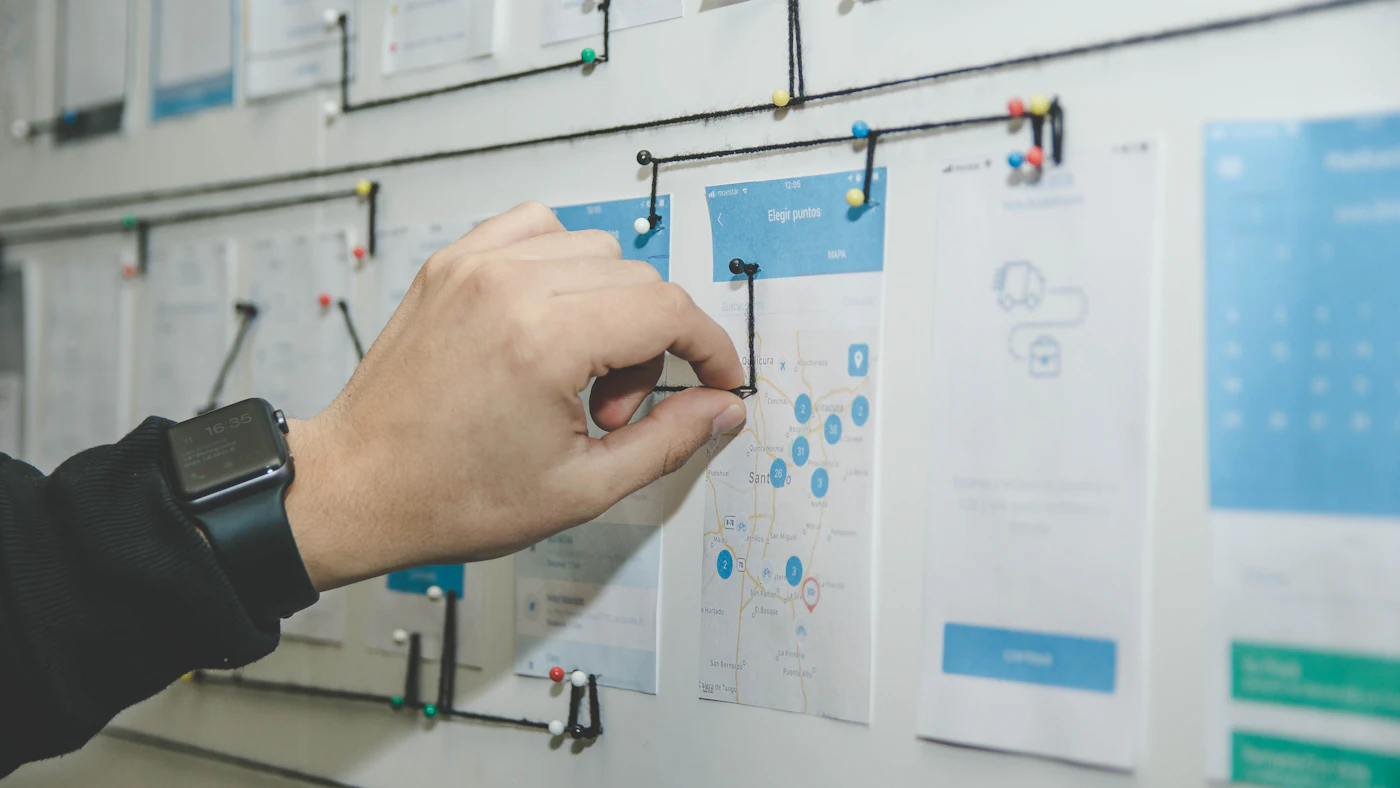
The as-is map shows how work is done today, as it is, including shortcuts, exceptions, and work outside the system such as WhatsApp messages or personal spreadsheets. The biggest temptation is to draw the process according to the written procedure, not according to reality. So the as-is map must be built together with the people who actually do the work, not only by their managers.
For each step, record who does it, what input is needed, what output is produced, which system or document is used, how long the work takes, and how long it waits before the next step. This waiting time data is what most often opens people's eyes.
To-be: designing the improvement
The to-be map shows the desired workflow after improvements and new software are in place. Not every improvement has to be software. Sometimes what is needed is removing an unnecessary step, merging two approvals, or moving a decision to someone closer to the work. Software then supports the simplified flow, making it cheaper to build and easier to use.
Do not automate waste
Automating a bad process only makes the bad process run faster. Simplify on paper first, then decide which parts need software support.
Running a mapping workshop
- 01Pick one process with clear boundaries, for example from purchase requisition to supplier payment, not all of operations at once
- 02Invite representatives of every role involved, including front-line staff, not just department heads
- 03Start from the process trigger and its end result, then fill in the steps between them in order
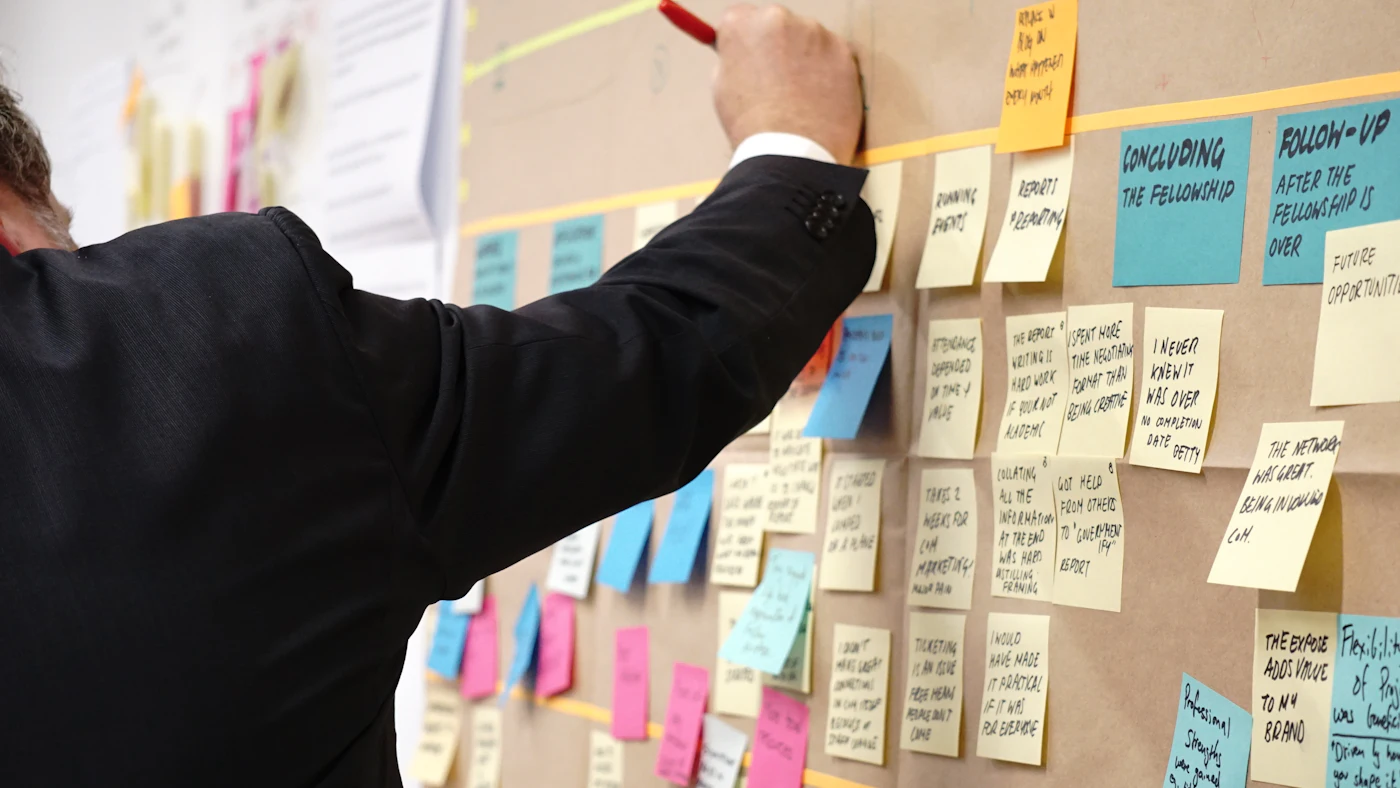
- 04Use sticky notes or a digital board so steps are easy to move and debate
- 05Mark every problem point: waiting, re-keying, recurring errors, decisions without data
- 06Collect real document examples, such as forms, reports, and screenshots, for each step
- 07Close with a prioritized list of problems and an owner for designing the to-be map
A two to three hour workshop per process is usually enough for an initial as-is map. The map is then validated by following several real transactions from start to finish, because people often forget steps they do automatically. For cross-department processes, such as a purchase approval flow, an extra session with all parties is often needed to agree on handoffs.
Example: purchasing at a distribution company
A distributor wanted to build a purchasing module because the process felt slow. The workshop mapped eleven steps from a warehouse request to an order sent to the supplier. The working time of all the steps turned out to be under two hours, but the average elapsed time from start to finish was six days. Most of that time was spent waiting: requests waited to be collected every Monday, then waited for signatures from the warehouse manager, the head of purchasing, and the finance director, even though most orders were small. Item data was also typed three times, from a paper form to a spreadsheet and then into the accounting system.
The agreed to-be map removed the weekly collection, set approvals by value so small orders need only one approver, and had the warehouse create requests directly in the system. The software that was built ended up simpler than originally planned, and the target process time fell to one day. Without mapping, the team might have built only a digital form that sped up two hours of work and left six days of waiting in place.
Notation that is enough for most businesses
There are many process mapping notations. For most business projects, a simple swimlane diagram is enough: each role or department gets one horizontal lane, steps are drawn as boxes, decisions as diamonds, and arrows show the sequence. Handoffs between lanes are immediately visible, and that is usually where the problems are.
BPMN, a more complete business process notation standard, is useful when a process has many branches, time-based events, exceptions, or will be executed directly by a workflow engine. But overly detailed notation makes maps hard for business users to read. The principle is to choose a notation every workshop participant can understand, and add technical detail only in documents for the development team.
The most common forms of waste
- Data retyped from one system or document into another, causing errors and taking time
- Layered approvals for small transactions that are rarely rejected
- Work waiting for someone who is away because there is no delegation
- Reports compiled by hand every week even though the data is already in the system
- Status information that can only be found by calling or sending a message
- Double checks by two departments that do not know the other has already checked
Much of this waste can be reduced with automated data entry from documents, automated routine reports, or integration between systems, but the solution only becomes clear once the process has been mapped.
From process map to software requirements
An agreed to-be map is the best material for writing a software requirements document. Each step supported by the system translates into requirements: what screens or forms are needed, what data is recorded, which rules apply, which notifications are sent, and who is allowed to perform the step. Each decision on the map becomes a business rule that must be tested.
The same map is used at the end of the project. User acceptance testing (UAT) scenarios are written by following the flow on the map, including the exception paths. User training material is also easier to understand because it explains the workflow, not just buttons on a screen. That way, the process map is the thread that runs from analysis to launch.
Measuring the results
Because the as-is map records working time and waiting time, the company has a baseline to measure the impact of the new software. For example, the time from purchase requisition to an order sent to the supplier falls from five days to one, or the number of times data is re-keyed drops from four to one. Numbers like these are far more convincing to management than simply stating that the system is live.
Frequently asked questions
Who should lead process mapping? Ideally someone neutral who understands both the business and the technology, such as a business analyst from the internal team or the vendor. What matters is that the business process owner shares responsibility for the result.
Does process mapping slow the project down? Mapping adds a few weeks at the start, but usually saves far more time by reducing requirement changes midway and features that are built but never used.
Do we need to map every process in the company? No. Start with the processes the new software will touch or that cause problems most often. Mapping can be expanded gradually, in line with a phased implementation.
What if every branch works differently? Map a few variations, then agree on one standard process with only the exceptions that are truly needed. This standardization is often the biggest benefit, even before software is deployed.
What tools are used to map processes? For workshops, sticky notes and a whiteboard or a collaborative digital board are enough. Once agreed, the map can be tidied up in a diagramming app so it is easy to share and update. More important than the tool is that the map is stored somewhere easy to find, dated, and updated when the process changes, so it remains a reference when the system is developed further or new employees join.
Conclusion
Business process mapping is a small investment that protects a large investment in software. By understanding reality through the as-is map, simplifying the flow through the to-be map, and translating that map into requirements, tests, and training, a company builds software that solves the real problem. The result is a simpler system, users who accept change faster, and an impact that can be measured in numbers.
Want to map your processes before building a new system?
The AG·SORA team facilitates process mapping workshops, designs simpler workflows, and translates them into clear software requirements. The initial consultation is free and without obligation.
Free ConsultationRecommended for you
Reading related to this topic
Digitalising a Family Business: Preserving the Legacy, Preparing the Next Generation
A family business's most important knowledge often lives only in its founder's head. How to start digitalising in a way that respects proven ways of working while preparing for succession.
Business App MVPs: Start Small, Grow from Real Usage
App ideas that are too big often never get started. The MVP approach helps a business build the smallest version that is already useful, then grow it based on evidence rather than assumptions.
From Idea to App: The Process of Building Business Software
The distance between an idea and a working app feels large because the process isn't visible. Here are the stages that turn it into steps you can take one at a time.
Free checklist: choosing a software house
24 points to evaluate a vendor before you sign. Can be saved as a PDF.
Ready to build a system that grows with your business?
Discuss your needs with the AG·SORA team, no cost, no commitment.