AI Assisted Software Development: Opportunities, Risks, and Quality Control
In this article
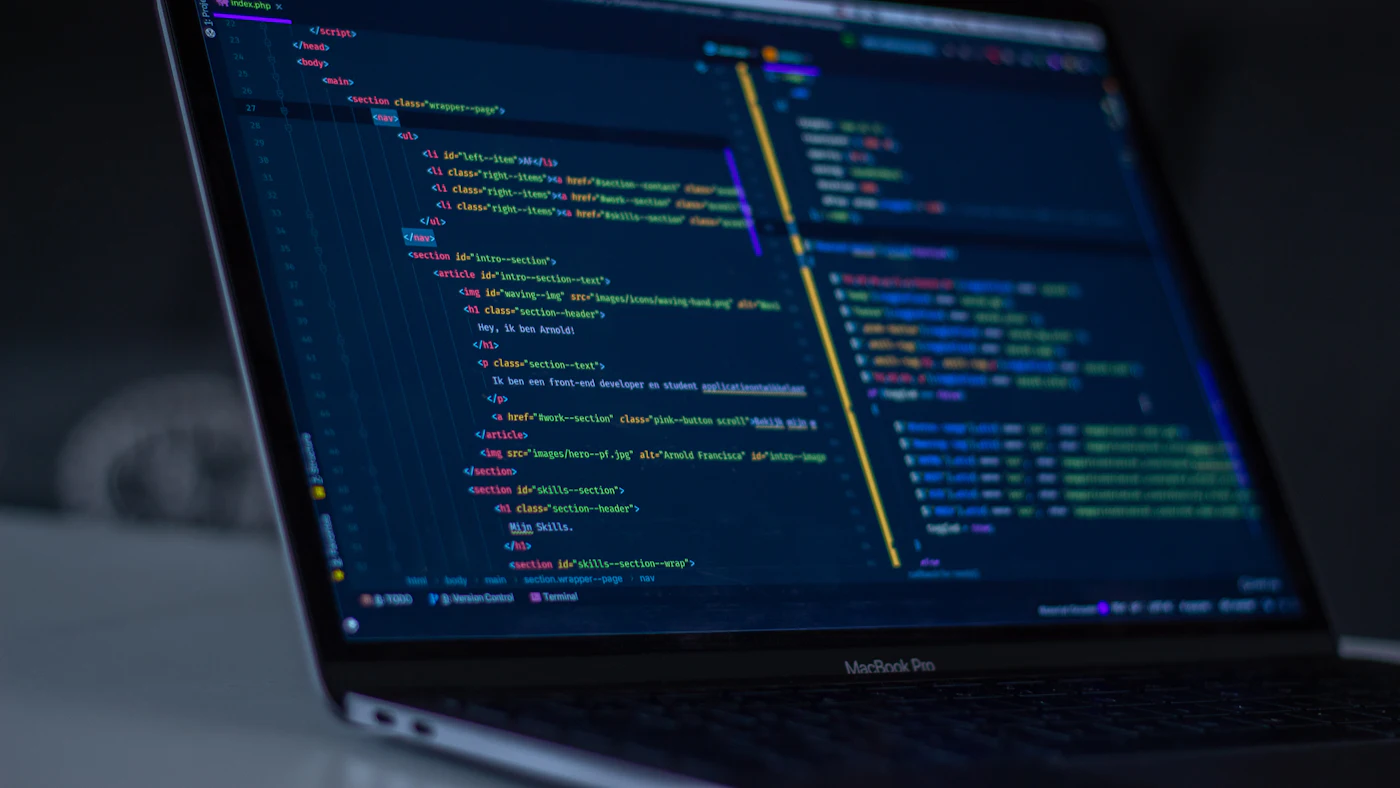
AI powered programming tools are now widely used by software developers. Coding assistants can write a function from a short description, explain old code, generate tests, and even assemble a whole prototype application within hours. A new term has appeared too: vibe coding, building an application by repeatedly instructing an AI and accepting the output without really reading the code it produces.
For business owners who are building or about to build software, this raises practical questions. Should projects now be much cheaper and faster? Is it safe if a vendor uses AI? How do you make sure an application is good quality when part of its code was written by a machine? This article looks honestly at the opportunities and the risks, and at the quality controls you should ask for from an internal team or a development partner.
Summary
- AI speeds up certain parts of development, especially routine code, documentation, and tests, but it does not remove the need for analysis, design, and review
- AI generated code can look correct while hiding security gaps, wrong business logic, or dependencies of unclear origin
- A fast prototype is different from a production system that has to be secure, maintainable, and able to handle load
- The quality controls to keep include human code review, automated testing, security scanning, and a clear data policy
- When choosing a vendor, ask how they use AI, not just whether they use it
What has actually changed
Software development is not just typing code. It covers understanding business processes, writing requirements, designing data and architecture, coding, testing, release, and maintenance. AI is strongest at writing code that follows well known patterns, such as input forms, simple reports, or connectors to well documented APIs. It also helps write tests, explain undocumented legacy code, and draft technical documentation.
The parts that still demand human judgement are understanding what the business really needs, deciding on a data structure that will last for years, weighing trade offs between speed and security, and handling the exceptions that only people who know the operation are aware of. That is why a good software requirements document becomes more important, not less. AI carries out instructions quickly, so wrong instructions also produce mistakes quickly.
Real opportunities for businesses
Faster prototypes and idea validation
Before investing heavily, a business can see a clickable prototype that users can try within a short time. This helps a lot at the validation stage, when the main goal is learning rather than launching a final product. The MVP approach becomes more affordable because the cost of trying several alternatives drops.
Team time goes to what matters more
When repetitive work is assisted by AI, experienced developers have more time for system design, review, and conversations with users. The result is not always a much cheaper project price, but it is often a more complete scope, more tests, or more frequent iterations within the same budget.
Maintaining and modernising old systems
Many businesses depend on old applications whose original developers are long gone. AI can help read and explain that code, write tests for existing behaviour, and then support a gradual move to newer technology. This is relevant for companies planning a legacy system modernisation.
Risks you need to understand
Code that looks right but is not secure
AI models learn from widely available code, including insecure examples. As a result, generated code can run normally in a quick test yet contain gaps such as weak input validation, database queries open to injection, missing permission checks, or secret keys written directly into the code. Several security industry reports have found such gaps fairly often in AI generated code that was not reviewed. The exact figures differ between studies, but the message is consistent: AI code must be reviewed as strictly as code written by people, if not more so.
Phantom dependencies and the supply chain
AI sometimes suggests software libraries with plausible names that do not exist, or versions that are out of date. Attackers exploit this by registering malicious packages under names that are often hallucinated. Every new dependency needs its origin, maintainer, and reputation checked, in line with dependency and software supply chain security practice.
Subtly wrong business logic
The most expensive mistakes are often not technical errors but business rules translated incorrectly. Tax rounding, discount order, overtime calculation, or negative stock rules are examples of areas that look simple but are full of exceptions. AI fills gaps with assumptions that sound reasonable. If nobody checks those assumptions against how the company actually works, the mistake only shows once data has piled up.
Code that is hard to maintain
Applications built by repeatedly patching instructions into an AI tend to pile up inconsistent code: different patterns for the same problem, duplicated functions, and structure nobody planned. For a prototype this can be acceptable. For a system that will be used for years, that kind of technical debt makes every later change slower and riskier. The real cost appears during maintenance after launch.
Data leakage and code ownership
When developers paste code, sample data, or documents into an AI service, that information leaves the company environment. Make sure there are rules about what data may be sent, which AI services may be used, and whether those services use inputs for training. On the contract side, clarify code ownership and responsibility for third party components. This belongs in your software development contract.
A prototype is not a production system
An application you can demo after one day is not necessarily ready to handle customer data, payments, or hundreds of simultaneous users. Before a prototype is used for real operations, treat it as a starting point that needs review, testing, and often a partial rewrite.
Quality controls worth putting in place
AI does not change the basic principles of building good software, but it makes those principles non negotiable. The following practices deserve to be standard, for internal teams and vendors alike.
- 01Every code change is reviewed by a developer who understands the system before it is merged, whatever the source of the code
- 02Automated tests for important business rules run on every change through a CI/CD pipeline
- 03Static security scanning and dependency checks run automatically, with mandatory fixes for high severity findings
- 04Secret keys and credentials live in a secrets manager and are never written in code
- 05Architecture, data structures, and important technical decisions are documented by an accountable person
- 06There is a written policy on which AI services may be used and what data may be sent to them
- 07Acceptance testing by business users happens before launch, with real scenarios and exception cases
Points two and three above are the foundation. With automated testing and CI/CD, mistakes introduced by anyone, human or AI, are more likely to be caught before they reach users. Meanwhile UAT makes sure the system really fits how the team works rather than merely passing technical tests.
Questions to ask a prospective vendor
Almost every development team now uses AI in some form. The more useful question is how they control it. Use the list below when assessing proposals, alongside the more general checklist for choosing a software house.
- Which AI tools does the team use, and is there a written policy on their use
- How does code review work, and who is responsible for approving changes
- Which automated tests are included, and can you see the results
- How do they check the security and licences of third party dependencies
- What company data might be sent to AI services during the project, and how is leakage prevented
- Who owns the code and documentation at the end of the project
- How do the time savings from AI show up in the schedule, scope, or cost
Be wary of promises that sound too good, such as a complete ERP in a few days or a price far below the norm with no explanation. Coding speed is not the only factor in project duration. Requirements discussions, data migration, training, and process adjustment still take time, and those are the parts that most often cause software projects to fail.
Building it yourself with AI: when it makes sense
Some business owners are tempted to build applications themselves with AI and no development team. For simple internal tools used by a few people, holding no sensitive data, and easy to replace if something goes wrong, this can be reasonable, much like using a low code or no code platform. Examples include an internal quotation calculator or a simple logging form.
For applications that store customer data, process payments, connect to finance systems, or serve as the backbone of operations, the risk is different. When there is a security problem or a calculation error, the impact reaches customers, taxes, and reputation. Here, involving experienced developers to review architecture, security, and business logic is a worthwhile investment.
Impact on project cost and schedule
It is natural for business owners to expect projects to get cheaper. In practice, the savings are most noticeable in the parts that really are repetitive. Other parts, such as requirements analysis, user experience design, integration with old systems, data migration, and user support, do not change much. A healthy way to see the impact of AI is to ask what you get more of for the same budget: more complete testing, tidier documentation, or more frequent iterations with users.
To estimate a realistic budget, use the framework in calculating the true cost of a software project, then discuss with your vendor which parts are genuinely accelerated by AI and which are not.
Frequently asked questions
Can I ask a vendor not to use AI at all?
You can, but it is usually unnecessary. What matters more is making sure there is code review, testing, and a data policy. A total ban is hard to monitor and can throw away real benefits, while clear quality controls protect you whatever tools are used.
How can I judge code quality if I am not technical?
Ask for evidence you can see: automated test reports, a summary of security scans, and architecture documentation. For large projects, consider an independent third party review before launch.
Conclusion
AI assisted software development is a real change that benefits businesses when it is managed properly. Prototypes come faster, routine work shrinks, and old systems become easier to understand. But AI also speeds up the arrival of mistakes when there is no review, no testing, and no clear data policy.
The measure of success is the same as before the AI era: an application that is secure, fits how the business works, can be maintained, and can keep evolving for years. Choose a team that uses AI as a tool to raise quality, not as a shortcut around it.
Want to build a business application quickly without sacrificing quality?
AG·SORA combines AI assisted tooling with code review, automated testing, and security checks on every project. Talk through your needs with our team; the first consultation is free.
Discuss your projectRecommended for you
Reading related to this topic
AI Usage Policy and AI Governance in the Company: Safe and Responsible
AI risks at work, elements of an AI usage policy, data classification, tool assessment, human oversight, training, and periodic review.
Dependency and Software Supply Chain Security: Watching for Risk in the Code You Use
Understanding third party component risk: types of supply chain attack, a component list, vulnerability scanning, routine updates, licences, securing the release process, and questions for vendors.
Automated Testing and CI/CD for Business Applications: Calm, Predictable Releases
A plain language guide to automated testing and release flow: kinds of tests, what to test first, test environments and safe data, gradual release, rollback ability, and questions to assess your vendor's practices.
Free checklist: choosing a software house
24 points to evaluate a vendor before you sign. Can be saved as a PDF.
Ready to build a system that grows with your business?
Discuss your needs with the AG·SORA team, no cost, no commitment.