Van Sales and Order-Taking Apps for Distributors: Routes, Visits, Van Stock, and Collections
In this article
- Summary
- Order taking and van sales: the difference
- Core features of a field sales app
- Special controls for van sales
- Credit limits and receivables control
- Offline mode and devices
- Integration with the ERP and other systems
- Data that supports decisions
- Implementation steps
- Measuring success after go-live
- Common mistakes
- Frequently asked questions
- Conclusion
For distributors of consumer goods, building materials, pharmaceuticals, or spare parts, field salespeople are the front line of revenue. Every day they visit dozens of stores, record orders, offer promotions, collect receivables, and sometimes sell straight from stock in the vehicle. When all of this is written in receipt books and reported through text messages, the office only learns what happened in the field days later, and errors in prices, stock, or cash deposits are hard to trace.
Van sales and order-taking apps move this work onto phones or tablets connected to the ERP. This article explains the difference between the two sales models, the features you need, the controls that prevent leakage, offline requirements, and realistic implementation steps for a mid-sized distributor.
Summary
- Order taking records orders for later delivery, while van sales (canvassing) sells and hands over goods directly from the vehicle
- Core features: route plans, proof of visit, a catalog with per-store prices, orders, invoices, collections, and daily reports
- Van sales needs vehicle stock management, cash deposits, and strict end-of-day reconciliation
- Credit limits and overdue receivables must be visible before an order is created
- The app must work offline and sync automatically when a signal is available
- ERP integration removes re-entry and gives daily sales data per store
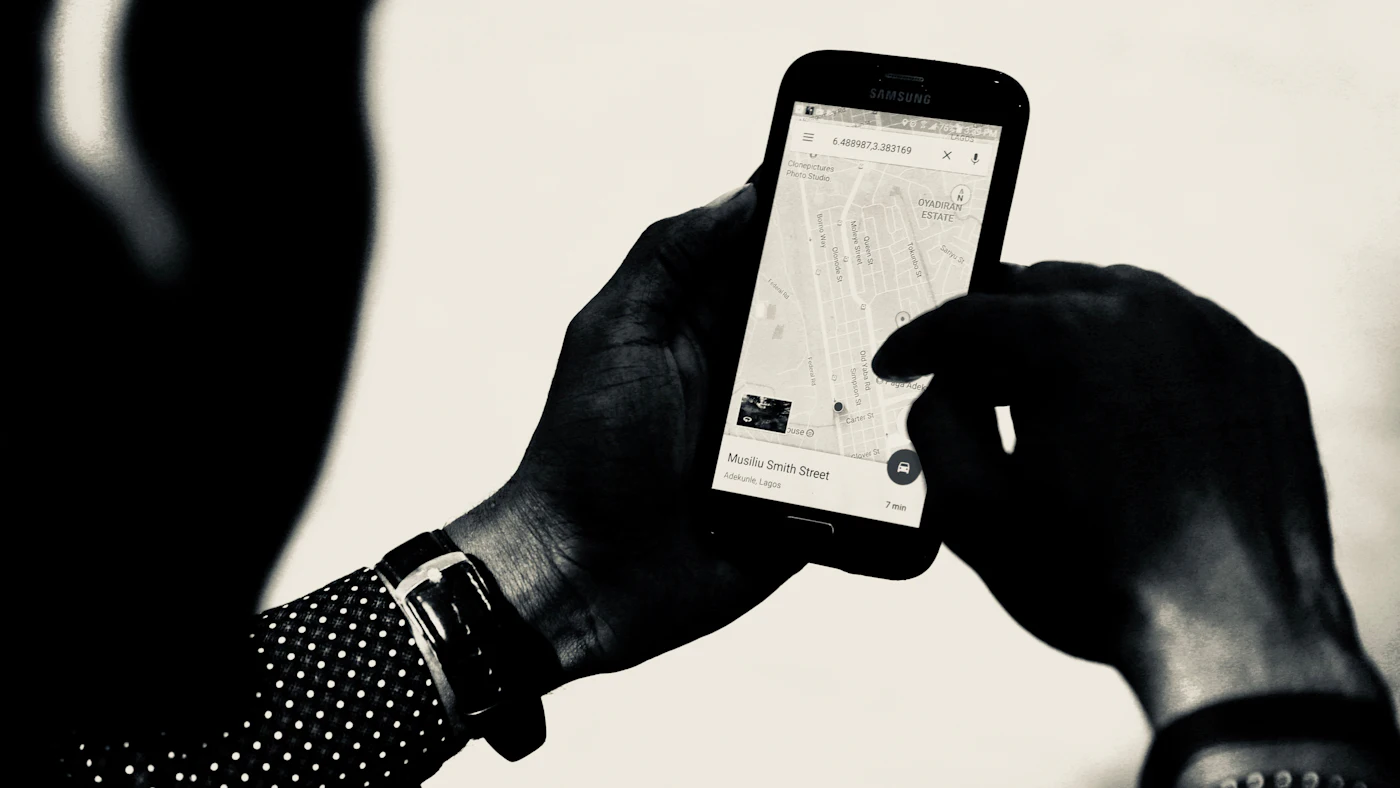
Order taking and van sales: the difference
Order taking
The salesperson visits a store and records an order, which the warehouse processes and the delivery team ships the next day or on schedule. The app focuses on the catalog, prices, promotions, warehouse stock availability, and delivery status.
Van sales
The salesperson carries stock in the vehicle and sells on the spot: handing over goods, issuing an invoice, and receiving cash or transfer payments. This model suits small stores that buy often in small amounts. The app must manage vehicle stock, receipt printing, and cash deposits.
A combination
Many distributors use both: van sales for small stores and order taking for wholesalers or large customers. A good app supports both flows with different rules per customer. An overview of a distributor's systems is in system needs of distribution businesses.
Core features of a field sales app
Route and visit schedule
- A list of stores to visit each day, organized by area and visit frequency
- A map with an efficient visit sequence
- Flags for priority stores, such as those with overdue invoices or that have not ordered in a while
Proof of visit
- Check-in and check-out with GPS location and time
- Photos of shelves or product displays when needed
- A reason when there is no order, such as stock still available or the store closed
Catalog, prices, and promotions
- A product list with photos, units, and unit conversions such as cartons and pieces
- Prices by customer group or store-specific price lists
- Promotions and discounts applied automatically by rule, not calculated by hand; managing promotion rules is covered in [managing promotions and discounts](/blog/mengelola-promo-dan-diskon)
Orders and invoices
- Fast order entry with the store's purchase history as suggestions
- Warehouse or vehicle stock information while ordering
- Receipt printing via a Bluetooth printer or sending a digital receipt
Collections
- Open invoices per store with receivable aging
- Recording cash, transfer, or cheque payments with photo evidence
- A payment receipt for the store
Daily report
- A summary of visits, orders, sales, and collections
- Comparison with daily or weekly targets
Special controls for van sales
Van sales puts goods and cash in the salesperson's hands, so controls must be stricter.
Vehicle stock
Each vehicle is treated as a separate warehouse in the ERP. Goods loaded in the morning are recorded as a transfer from the warehouse to the vehicle, and every sale reduces vehicle stock.
Cash deposits
The app records all cash received. At the end of the day, the amount deposited with the cashier is compared with the system record.
End-of-day reconciliation
- Opening stock plus additional loads minus sales must equal the physical remaining stock
- Cash received according to the system must equal the deposit
- Differences are recorded, explained, and approved by a supervisor
Editing restrictions
Printed invoices cannot be changed in the app. Cancellations or corrections go through a return document or credit note with approval.
These controls are not about distrusting salespeople; they protect them from accusations when a difference is really a recording error.
Credit limits and receivables control
Selling on credit to stores is common practice, but it is also a source of bad debts. The app should:
- Show the credit limit, receivable balance, and overdue invoices before an order is created
- Block or require approval when an order exceeds the credit limit or there are overdue invoices
- Remind the salesperson to collect when visiting a store with open invoices
- Send collection data straight to the ERP so customer balances are always current
The wider collection process, including automatic reminders, is covered in automating B2B invoicing and receivables collection.
Offline mode and devices
Salespeople often work in areas with weak signal, in narrow alleys, or inside markets. An app that only works online will be abandoned.
- Customer data, prices, promotions, and vehicle stock are stored on the device
- Orders, visits, and payments are saved locally and synced automatically when the signal returns
- Data conflicts, such as warehouse stock changing while the salesperson is offline, are handled with clear rules
- The app stays light on low- to mid-range phones and economical with mobile data
The design principles are covered in when an app needs to work offline and mobile apps for low-spec phones and slow networks.
Integration with the ERP and other systems
A standalone field app only moves the re-entry problem to the office. The integrations you need:
- Customer, product, price, and promotion master data from the ERP to the app
- Orders and invoices from the app to the ERP for warehouse and accounting processing
- Warehouse and vehicle stock in both directions
- Payments and deposits to the receivables and cash modules
- Location and routes to a fleet system if there is one; see [fleet and transport management with GPS and ERP](/blog/manajemen-armada-dan-transportasi-dengan-gps-dan-erp)
With these integrations, sales managers can see sales per store, per product, and per salesperson every day instead of waiting for weekly summaries.
Data that supports decisions
- Active stores and stores that have not ordered within a given period
- Visit frequency compared with store purchase value
- Products that sell well per area and products that rarely sell
- Visit success rate: the share of visits that result in an order
- Receivable aging per salesperson and per area
- Time spent traveling compared with time in stores
This data can be used to redesign routes, adjust visit frequencies, and set more realistic targets.
Implementation steps
- Map the salespeople's current workflow, including documents, receipts, and how cash is deposited
- Clean up customer master data with locations, price groups, and credit limits
- Define van sales and order-taking rules per customer group
- Pilot with one team or one area for a few weeks
- Collect salespeople's feedback on the app's speed and ease of use, and improve it
- Expand to other areas once daily reconciliation runs without large differences
Involve senior salespeople from the start. They know store habits best and will decide whether the app is accepted by the team. Experience building apps for field teams is covered in mobile apps for field teams.
Measuring success after go-live
Define success measures before the app launches so the evaluation is not based on impressions alone. Measures distributors commonly use include:
- Time from an order in the store to the order being processed by the warehouse
- Number of effective visits per salesperson per day
- Share of orders corrected because of wrong prices or wrong items
- Vehicle stock and cash deposit differences per week
- Average receivable age of regularly visited stores
- Time admin staff need to compile daily sales
Record these figures for two to four weeks before the pilot as a baseline. Once the app is running, compare them regularly and share the results with the field team. Salespeople accept change more easily when they see that the app reduces their paperwork and speeds up the commission they receive, rather than simply adding supervision.
Common mistakes
- An app that is slow or has too many steps, so salespeople go back to receipt books
- Relying on a constant internet connection
- Prices and promotions in the app out of sync with the ERP
- No daily reconciliation of vehicle stock and cash deposits
- Using GPS only for surveillance, with no benefit for salespeople such as more efficient routes
- Messy customer master data, such as the same store registered several times
Frequently asked questions
Can salespeople use their personal phones?
Yes, as long as the app is secure and company data can be wiped from the device if the salesperson leaves. Many distributors provide company devices to keep specifications consistent.
What if a store asks for a special price in the field?
The app can give salespeople limited discount authority and request supervisor approval through the app when the limit is exceeded. Every exception is recorded.
Do we need printers in the field?
For van sales, stores often still ask for a printed receipt. Portable Bluetooth printers are common and affordable. Digital receipts by message are an option for stores that are used to them.
How long does implementation take?
For a mid-sized distributor with a running ERP, a pilot in one area can usually start within a few months, depending on how clean the master data is and how complex the pricing rules are.
Conclusion
Van sales and order-taking apps turn field work from paper records reported late into daily data connected to the warehouse, finance, and management. The keys are routes and proof of visit, automatic prices and promotions, credit limit controls, strict reconciliation of vehicle stock and cash, a reliable offline mode, and full ERP integration. Start with one area, clean up the master data, and involve salespeople in improving the app.
Promotion program codes on every order are the basis for promotion claims and rebates from principals.
Want your field sales team to work faster with clean records?
Agsora builds van sales and order-taking apps that work offline and integrate with your ERP, warehouse, and receivables.
Free consultationRecommended for you
Reading related to this topic
Mobile Apps for Field Teams: Connecting Sales Reps, Technicians, and Delivery Staff with Office Systems
How to design a field app that is genuinely used: the work to do first, design for weak signal, evidence on the spot, reasonable use of location, the link with ERP and CRM, device security, and adoption.
Distributor Promotion Claims and Rebates: Managing Principal Claims with ERP
How distributors manage promotion claims, program discounts, and rebates from principals so no claim is missed: recording programs, calculating claim entitlement per transaction, supporting evidence, submission and reconciliation with the principal, booking claim receivables, and claim ageing reports.
CPQ: Configuration, Pricing, and Quoting for Complex B2B Sales
When a B2B business needs CPQ (configure, price, quote): product configuration rules, price lists and tiered discounts, margin approvals, quote templates, revision versions, conversion to orders, and integration with CRM and ERP.
Free checklist: choosing a software house
24 points to evaluate a vendor before you sign. Can be saved as a PDF.
Ready to build a system that grows with your business?
Discuss your needs with the AG·SORA team, no cost, no commitment.