Releasing an App to the App Store and Google Play: What Business Owners Need to Prepare
In this article
- Summary
- Releasing an app is a project in itself
- The publisher account: who owns it
- Store listing material
- Privacy and device permissions
- The review process and common reasons for rejection
- Payments inside the app
- Testing before the public release
- Staged rollout and version numbering
- After release: reviews, ratings, and support
- Maintenance: an app is never truly finished
- Alternatives to the public app stores
- Common mistakes to avoid
- First steps you can start this week
- Closing
Many business owners picture a mobile app launch as a single button: the app is finished, you press upload, and the next day customers can install it. In reality, between a finished app and an app the public can download lies a series of tasks that have nothing to do with writing code, yet matter just as much.
The app stores run by Apple and Google are guarded doors. Both set requirements about the publisher account, the information that must be filled in, how the app handles user data, and how the app takes payments. Apps that do not meet them are rejected or held, often just a few days before the launch date already announced to customers.
This article covers what a business owner needs to prepare to release an app to the App Store and Google Play, and how to manage updates afterwards. We discuss account ownership, store listing material, privacy, the review process, testing before release, staged rollout, and maintenance. Both stores' rules change over time, so refer to the latest official guidelines for the details; what we set out here is the framework for preparing.
Summary
- The publisher account must belong to your own business, not to a developer or an individual employee
- Prepare store listing material early: name, description, screenshots, and a privacy policy
- Study the review guidelines before building features, especially on personal data and payments
- Test through the official testing tracks and roll out in stages so problems are caught earlier
- Budget for routine maintenance because operating systems and store rules keep changing
Releasing an app is a project in itself
Teams releasing an app for the first time often leave only a few days for app store matters. That is almost always too little. Account registration may require identity verification and company documents. The first review may produce requests for fixes. Visual material has to be made for several screen sizes. All of this takes time that cannot be sped up by adding programmers.
So put the release work into the project plan from day one, complete with an owner. Some of the work, such as registering accounts and writing the privacy policy, can begin long before the app is finished. Running it alongside development spares you a final week full of surprises.
Do not announce a firm launch date to the public before the app has passed review. It is safer to announce a time window, then fix the date after the app is approved and ready to release. Both stores let you hold an approved app and release it at a moment you choose.
The publisher account: who owns it
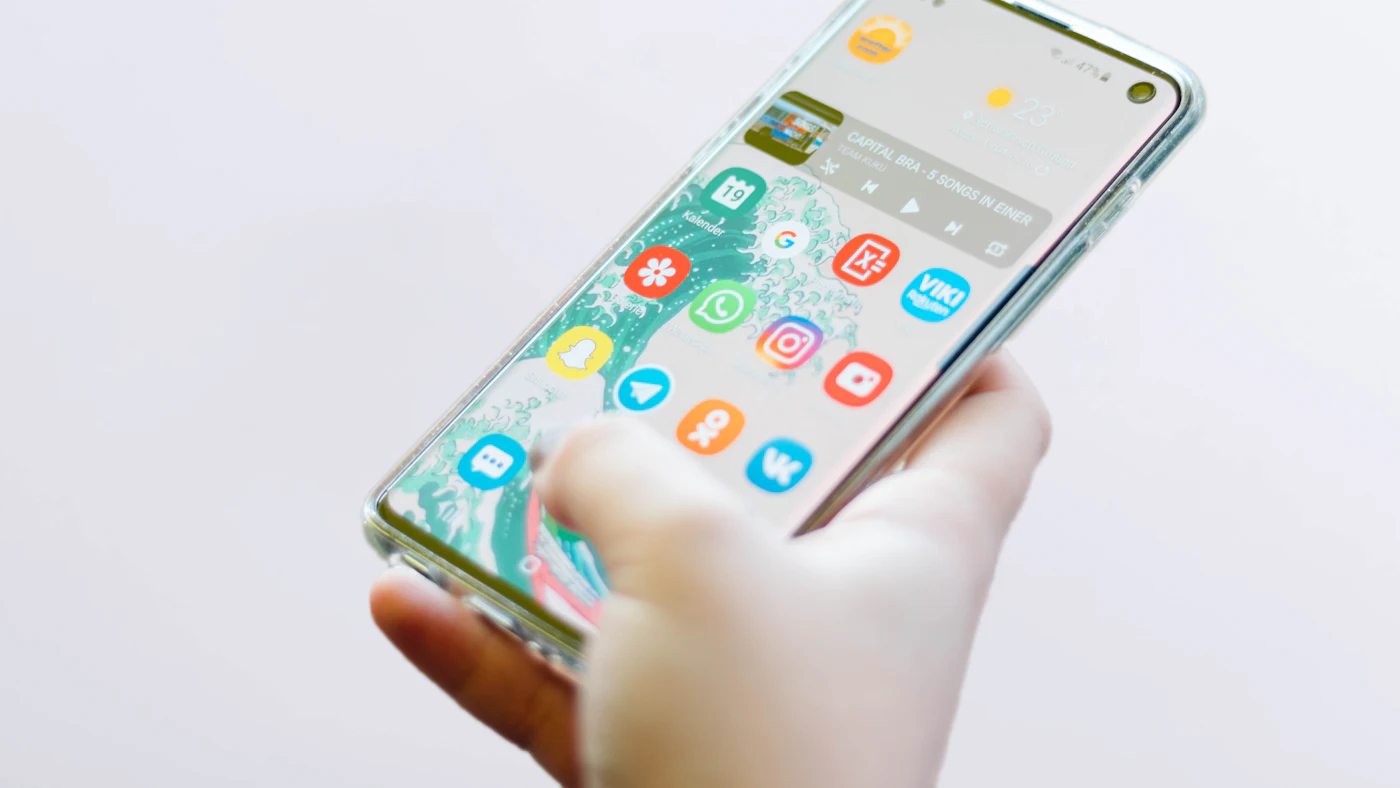
To publish an app, you need a publisher account on each store. This account is what officially owns the app, its reviews, its download data, and the relationship with its users. The most important decision at this stage is very simple, yet often made wrongly: the account must be in your business's name, with an email address the company controls.
An app published through a developer's personal account or a vendor's account puts you in a weak position. If the working relationship ends badly, moving the app to another account is possible but requires the cooperation of the old account owner. In the worst case, you have to publish a new app and ask every user to install it again.
Register the account as an organisation if you qualify, so that the company name appears as the publisher. Invite the developer or vendor as members with access rights that suit their role. Keep the main credentials and the app signing key somewhere the company manages, and turn on two step verification.
The signing key is an asset
Every update must be signed with the same key as the previous version. Losing the key, or leaving it solely in outside hands, can leave you unable to update your own app. Ask your developer where the key is stored and who can access it.
Store listing material
The app's page in the store is the shop window. It is where prospective users decide whether to install, often within a few seconds. The material includes the app name, short and long descriptions, the icon, screenshots for several device sizes, the category, contact information, and a link to the privacy policy.
- A name that is easy to recognise and consistent with your business brand
- An opening line in the description that states the main benefit to the user straight away
- Screenshots that show real screens from the app, starting with the most important feature
- An icon that stays clear at small sizes and on both light and dark backgrounds
- A support email address that is genuinely monitored
- Other language versions if you serve users in more than one language
Write the description in the customer's language, not internal language. Avoid claims that cannot be substantiated and do not mention other brand names in a misleading way; both can be grounds for rejection. Screenshots must depict the actual app, because images that promise features that do not exist invite bad reviews.
Privacy and device permissions
Both stores ask publishers to declare what data the app collects, for what purpose, and whether it is shared with other parties. This declaration appears on the store page and must match the app's actual behaviour, including data collected by third party libraries the developer has installed for analytics or advertising.
Ask for device permissions only when genuinely needed and at a moment that makes sense. An app that immediately asks for location, contacts, camera, and notifications on the first screen makes users suspicious and often prompts questions from reviewers. Explain the reason in a short sentence before the permission dialog appears.
Prepare the things that are often forgotten, too: a privacy policy page the public can open, and a way for users to delete their account and data if your app allows accounts to be created. Align all of it with the personal data protection rules that apply to you, and seek legal advice on anything you are unsure about.
The review process and common reasons for rejection
Every app and every update is reviewed before it appears. Review time is not fixed and cannot be guaranteed, so do not plan a release on tight timing assumptions. Reviewers check whether the app works, matches its description, is safe for users, and complies with the store's guidelines.
- The app crashes or shows a blank screen when the reviewer tests it
- The reviewer cannot sign in because no test account was provided
- The app's content is too thin, for example merely wrapping a website with no added value
- The data declaration and permissions do not match the app's behaviour
- The payment method for digital products does not follow the store's rules
- The description or screenshots mislead or mention features that do not yet exist
Provide a test account along with brief instructions for the reviewer, especially if your app needs registration, an invitation code, or additional hardware. If the app is rejected, read the reason calmly and respond specifically. Rejection is ordinary; most cases are resolved with a small fix or an additional explanation.

Payments inside the app
Payment rules are the part that most often surprises business owners. Broadly, app stores distinguish the sale of physical goods and services from the sale of digital content or features consumed inside the app. For the second group, the stores generally require their own payment system and charge a commission.
This distinction affects the business model. A store app selling clothing or food can usually use the payment provider of its choice. An app selling content subscriptions, digital courses, or premium features needs to factor the store's commission into its prices. The detailed rules and exceptions differ between countries and change over time.
So discuss the revenue model with your developer before the payment feature is built, and check both stores' latest official guidelines. Changing the payment flow after the app is rejected costs far more than designing it correctly from the start.
Testing before the public release
Both stores provide official testing tracks that let you share the app with a group of people before releasing it to the public. Use them. Testing on the developer's device is not the same as testing on the phones of real employees and customers, with different brands, screen sizes, operating system versions, and network quality.
- 01Internal testing by your own team to catch glaring errors
- 02Closed testing by a group of selected employees or customers with real scenarios
- 03Fixes based on feedback and crash reports
- 04Retesting the most important flows: registration, sign in, transactions, and notifications
- 05Release approval by the business owner, not only by the developer
Install crash reporting and basic analytics before the release, not after. Without them you only learn there is a problem when one star reviews appear, and the developer has no data to find the cause.
Staged rollout and version numbering
An app does not have to be released to every user at once. A staged rollout lets a new version reach a small share of users first, then widens if there is no spike in crashes or complaints. If there is a problem, the rollout can be halted before the impact spreads.
Remember that a mobile app cannot be pulled back the way a website can. A version already installed stays on users' phones until they update. Fixes, too, must go through review again. That is why mistakes in a mobile app have a longer lasting effect, and care before release is worth more.
Use consistent version numbering and write release notes that are honest and useful. Keep an internal record of what each version contains. Also design a way to force or suggest an update from the server side, so that old versions that are faulty or no longer compatible can be steered to update.
After release: reviews, ratings, and support
Release is not the finish line. Reviews and ratings in the app store influence prospective users' decisions and the app's position in store search results. Monitor reviews regularly and reply politely, especially to reviews that mention a problem. A reply showing the problem has been fixed often leads users to change their rating.
Ask for a rating at the right moment, for example after a user has successfully completed a transaction, and use the official mechanism the operating system provides. Do not ask too often and do not promise rewards for positive reviews; that practice breaches the guidelines.
Provide a support route inside the app so complaints reach you before they become public reviews. A help button leading to chat, email, or a simple form is enough, provided it is actually answered.
Maintenance: an app is never truly finished
Phone operating systems are updated periodically, new devices appear with different screen sizes, and app stores raise their minimum technical requirements from time to time. An app that is not updated gradually shows warnings, loses certain functions, or can no longer be installed on new devices at all.
Third party libraries the app uses also need updating, especially those involving security and payments. Budget for routine maintenance from the start as a fixed cost of owning an app, not as an unexpected event. Agree with your developer who watches for change announcements from both stores.
Check the email registered on the publisher account regularly. Notices about policy changes, requests to update information, or violation warnings are sent there, often with a deadline. An account whose email is never read risks having the app taken down without you realising.
Alternatives to the public app stores
Not every app needs to appear in a public store. Apps for employees or a limited set of partners can be distributed through the closed distribution channels both platforms offer organisations. These channels still have requirements, but the app does not show up in general search.
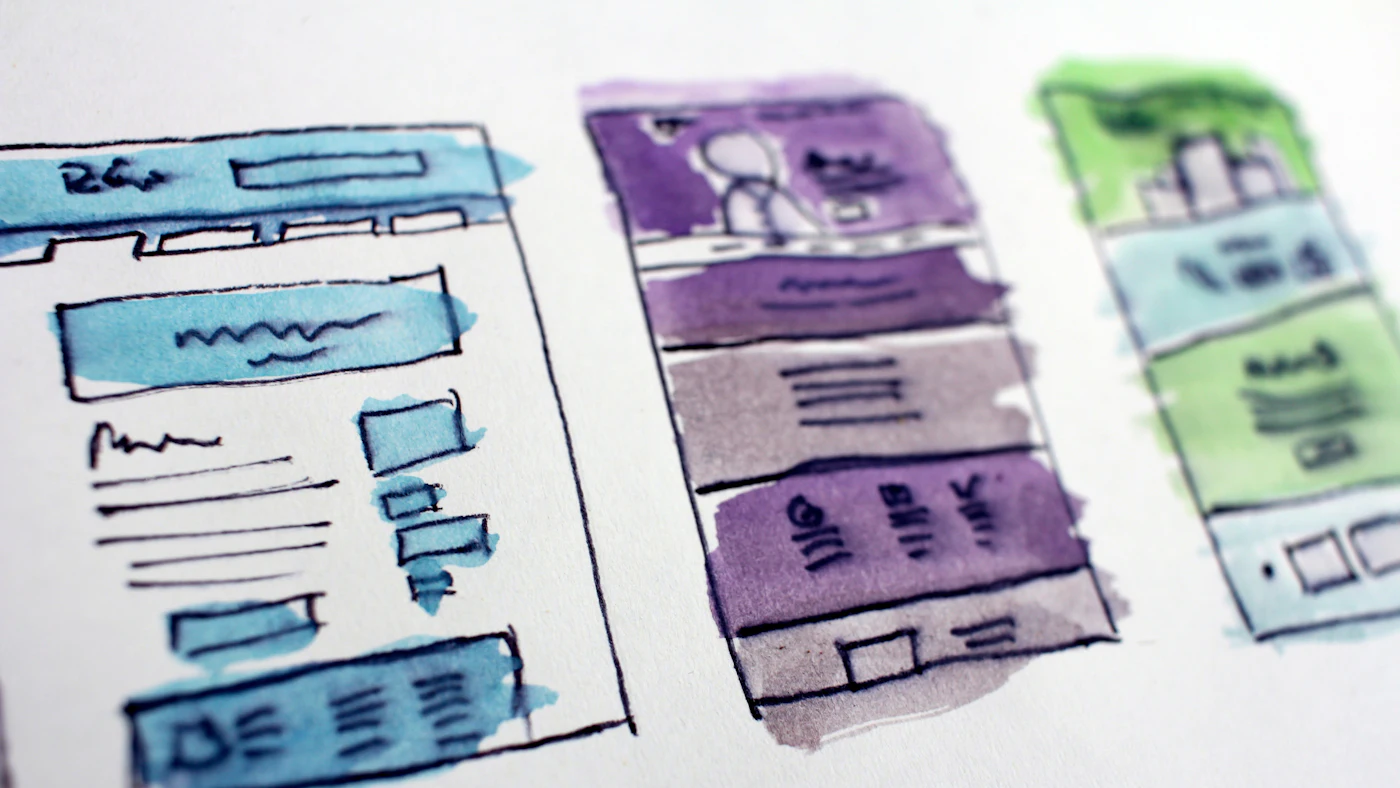
For certain needs, a progressive web app can be a lighter choice. It runs in the browser, can be installed to the home screen, and is updated without store review. Its drawbacks are more limited access to device capabilities and no presence in the app stores, where some users are used to searching.
Choose the route based on who the users are and what they need. A shopping app for general customers almost certainly needs to be in both stores. An internal work tool for twenty employees may not.
Whichever route you take, appoint one person on the business side as the owner of the release. This person does not have to understand code, but they hold the checklist, know the review status, approve the store listing material, and decide when a new version may go out. Without a clear owner, release matters tend to fall between the developer and the marketing team, each assuming the other has taken care of them.
Common mistakes to avoid
- Publishing the app through a developer's personal account or a vendor's account
- Announcing a firm launch date before the app has passed review
- Preparing screenshots and the description on the last day
- Not giving the reviewer a test account
- Designing payments without reading the store's rules
- Not budgeting for maintenance after release
First steps you can start this week
- 01Check in whose name your publisher account is registered and who holds the signing key
- 02Register an organisation account with a company email if you do not have one
- 03Read both stores' official review guidelines with your developer, particularly the privacy and payment sections
- 04Write a draft description and a list of the screenshots you want to show
- 05Decide on a closed testing group and the scenarios they will run
Closing
Releasing an app to the App Store and Google Play is predictable work provided it is prepared for. Correct account ownership, honest and attractive store material, transparent handling of data, testing through official tracks, and a staged rollout make launch day a calm one.
Treat the app stores as partners with rules, not as a last minute obstacle. Businesses that understand those rules from the start save time, avoid preventable rejections, and give their new users a good first impression.
Planning to launch a mobile app for your business?
The AG·SORA team builds iOS and Android apps and supports the release process: a publisher account in your business's name, store listing material, testing, and maintenance after launch. The initial consultation is free and without obligation.
Free consultationRecommended for you
Reading related to this topic
Mobile Apps for Low End Phones and Slow Networks: Staying Comfortable for Real Customers
Designing a light, resilient app: understanding customers' devices, app size, launch speed, saving data, working offline, battery and memory, a simple interface, testing in real conditions, and a performance budget.
Signs Your Business Is Ready for Its Own App
An app isn't a status symbol, it's a tool for removing costly manual processes. These are the signs that usually show up before that decision gets made.
Business App MVPs: Start Small, Grow from Real Usage
App ideas that are too big often never get started. The MVP approach helps a business build the smallest version that is already useful, then grow it based on evidence rather than assumptions.
Free checklist: choosing a software house
24 points to evaluate a vendor before you sign. Can be saved as a PDF.
Ready to build a system that grows with your business?
Discuss your needs with the AG·SORA team, no cost, no commitment.