Load Testing: Stress-Testing Your Online Store and Apps Before Big Promos and Peak Season
In this article
- Summary
- Why systems collapse when it gets busy
- Types of tests worth knowing
- Setting targets: how many users must be served
- Designing realistic scenarios
- What to measure and how to read it
- Environment, tools, and test safety
- Fixes that usually have the biggest impact
- The peak day plan
- Common mistakes
- Getting started
- Frequently asked questions
- Conclusion
Twin-date sales, payday promos, or a livestream with a big influencer: the moments an online store looks forward to most are also the moments its system most often collapses. Visitors flood in, the checkout page spins endlessly, payments fail, and within minutes customers move to a competitor. The ad spend is already out, the stock is ready, the team is working overtime, but sales are held back by a system that cannot keep up.
Failures like this can almost always be predicted before they happen. Load testing is a controlled exercise that simulates many users on your system at once, so its weak points are discovered on test day and not on promo day. Many businesses assume this testing is only for large companies. In reality, mid-sized businesses that depend on a few peak sales days benefit the most.
This article explains what load testing is, its types, what is measured, how to design realistic scenarios, how to read the results, and practical matters such as cost, safety, and the fixes that usually have the biggest impact. You do not need to be an engineer to understand the logic, and as a business owner you can demand clear results from your technical team or vendor.
Summary
- Load testing simulates large numbers of users to find capacity limits and failure points before real users do
- Measure response time at high percentiles, error rate, and resource usage, not just averages
- Design scenarios from real behavior: product browsing, search, cart, checkout, and payment, with user estimates drawn from historical data and campaign plans
- The most common bottlenecks are in the database, third parties such as payment gateways, and components that cannot scale
- Test in an environment resembling production, well before the peak, and leave time to fix and repeat

Why systems collapse when it gets busy
A system that runs smoothly with a hundred users will not necessarily run smoothly with five thousand. The relationship between load and performance is not linear. At low load, adding users only adds a little response time. After crossing a certain threshold, queues pile up, response times jump sharply, and errors appear. That threshold is determined by the weakest component, not the average of the whole system.
Some classic causes: database queries that feel fast with little data but slow when many access at once; sessions or connections that run out; processes that lock each other; third-party services that limit the number of requests; heavy images and scripts that drain bandwidth; and server configuration that was never adjusted to real load. These symptoms relate to those discussed in slowing database and business application performance.
Besides, a traffic spike during a promo differs from gradual growth. Traffic jumps in minutes, user behavior is uniform (everyone heads to the same promo product), and every user performs heavy actions such as adding to cart and paying. This combination is what tests a system to its limits.
Types of tests worth knowing
The term load test is often used for several kinds of testing with different goals.
Load test
Simulates the number of users expected on peak day to confirm the system still meets performance targets. The question: can the system handle the load we expect?
Stress test
Raises the load far beyond the estimate until the system fails, to learn its limits and how it fails. The question: at what number does the system break, and how does it break, does it stop cleanly or spread damage?
Spike test
Raises the load suddenly, as when a promo link is shared, then lowers it. The question: does the system respond quickly to the spike and recover afterward?
Endurance test
Sustains a moderate load for hours to find memory leaks, connections that are not released, or data buildup that slowly makes the system sluggish.
For most businesses, a combination of a load test at the estimated peak and a stress test to learn the safety margin is already very valuable. Add a spike test if you run campaigns with sudden triggers, as discussed in selling through social media and live commerce.
Setting targets: how many users must be served
A test without a target is meaningless. Start from data, not guesses.
- Historical data: number of visitors, concurrent sessions, and orders per minute at previous peaks, from analytics tools and server logs
- Campaign plan: estimated ad budget, email list size, and influencer reach, converted into estimated visits per hour
- Safety factor: double or triple the estimate so there is room if the campaign does better than planned
- Shape of the spike: how long the peak lasts, whether it is sudden or gradual
Translate the target into numbers that can be tested, for example: the system must serve five hundred concurrent users with product page response time under two seconds, and one hundred orders per minute with an error rate under one percent. Tidy analytics data, as discussed in website and mobile app analytics for decisions, makes it easier to assemble these numbers.
Designing realistic scenarios
Test results are meaningful only if the scenario resembles real behavior. Hitting one home page with a thousand requests represents nothing.
- Build user journeys: arriving from the home page or an ad, viewing the product list, using search and filters, opening product details, adding to cart, checking out, and paying
- Set the proportions: not every visitor reaches payment. For example ninety percent only browse, eight percent fill a cart, and two percent complete a purchase. Adjust to your conversion data
- Include data variety: different products, different accounts, different search terms, so results are not unrealistically helped by caching
- Include background processes that run at the same time, such as stock synchronization, email sending, and ERP updates, because they compete for the same resources
- Handle third parties carefully: payment gateways and shipping services generally provide test environments or forbid load testing on their production systems. Use sandbox environments or mock services
Pay attention to the points most critical to revenue: search, cart, and checkout, as discussed in online store checkout: reducing abandoned carts and product search and filters for online stores. For promotions, complex discount rules also burden the system; see managing promos and discounts.
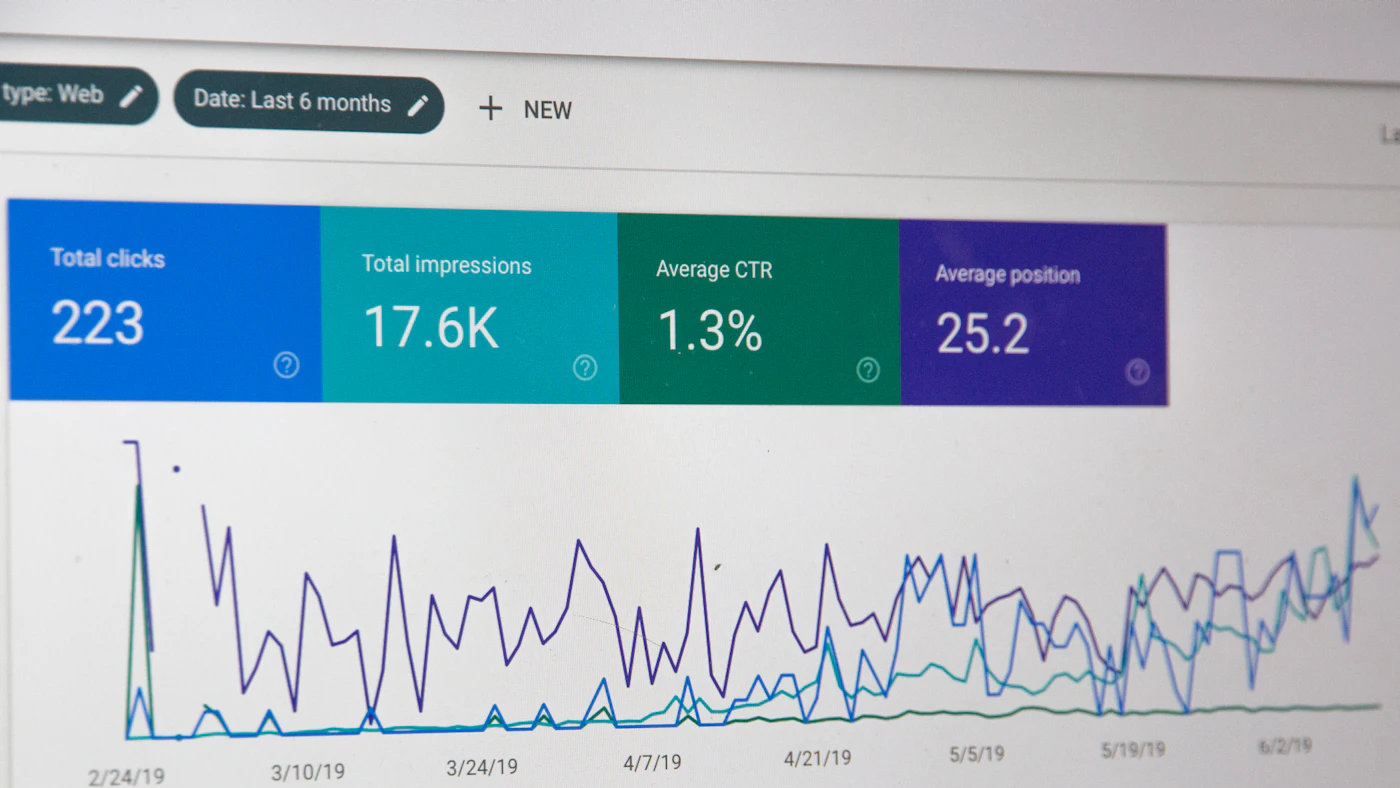
What to measure and how to read it
Average response time can mislead, because it hides the experience of the slowest users. Focus on the following numbers.
- Response time percentiles: the median shows the typical experience, while the ninety-fifth and ninety-ninth percentiles show the experience of unlucky users. At a sales peak, one in twenty users waiting ten seconds still means hundreds of lost customers
- Error rate: the percentage of failed requests. Set an acceptable threshold, for example under one percent
- Throughput: the number of requests or orders successfully processed per second or minute
- Resource usage: CPU, memory, database connections, disk I/O, and network on each component, to see who becomes the bottleneck
- Recovery behavior: how quickly the system returns to normal after the load drops
Look for the knee point, the load at which the response time curve starts rising sharply. That is your system's effective capacity, not the maximum number before the server dies. Compare it with the target, and note the component that saturates first. Good production monitoring, as discussed in observability, logs, and error handling and monitoring and uptime of business websites and apps, gives comparison data between test results and reality.
Environment, tools, and test safety
The test should run in an environment resembling production in server specification, database size, configuration, and network. Testing on a developer laptop or a small database produces numbers that do not apply. Fill the test database with data volumes close to production, but use fictional or anonymized data to protect confidentiality, in line with personal data protection.
There are many load testing tools, free and paid, with scripts that define user journeys. Choose one your team can use and integrate it with the release pipeline, so light load tests can run routinely, as in automated testing and CI/CD. For very large loads, the load generator needs to be distributed so it does not become the bottleneck itself.
Some things need attention so that testing does not create new problems. Inform the hosting provider and third parties if testing is large-scale. Do not direct load tests at the production system without coordination, because it can disturb real customers and trigger blocking. Do not test third-party services without their permission. And be careful with side effects: the test must not send real emails to customers, create real payment transactions, or change production stock.
Fixes that usually have the biggest impact
After finding the bottleneck, fixes generally fall into several categories.
Database
Add the right indexes, fix slow queries, reduce repeated queries, and separate read from write load with replicas when needed. Many cases of collapse at peak turn out to come from a single query without an index.
Cache
Store results that are often requested and rarely change, such as product pages, categories, and configuration. Caching at the content delivery network layer and in the application reduces load on the server and database drastically. Similar issues are discussed in website speed and its impact and Core Web Vitals.
Background work
Move heavy work that need not be waited for, such as sending emails, updating the ERP, and generating invoices, into a queue so it does not slow the checkout page. This is consistent with the pattern in webhooks and real-time integration for business.
Scaling and capacity
Add server capacity horizontally or use autoscaling, but make sure the application components can actually run side by side. Mind the cost, because excess capacity all year for one peak day is wasteful. A more economical approach is discussed in controlling cloud costs for business, and infrastructure options in cloud or on-premise.
Resilience to partial failure
Design so that the failure of one component does not bring everything down: timeouts on third-party calls, circuit breakers, and pages that can still be viewed even if certain features are down. If there is a queue or virtual waiting room, users beyond capacity are managed neatly rather than rejected with errors. For releasing new features near the peak, feature flags and gradual releases let you switch off a problematic feature quickly.
The peak day plan
Load testing is only half the preparation. Prepare an operational plan for peak day too.
- Freeze code changes a few days before the peak, except emergency fixes
- Set up live monitoring with alert thresholds and who gets contacted
- Prepare a standby team with clear roles: who monitors, who fixes, who communicates with customers
- Prepare emergency actions that have been tested, such as disabling heavy features, enabling a queue page, or raising capacity
- Prepare customer communication in case of disruption, and a recovery plan according to the [disaster recovery and business continuity plan](/blog/rencana-pemulihan-bencana-dan-kesinambungan-bisnis)
- Evaluate afterward: compare real load with the estimate, record what happened, and update targets for the next peak
Common mistakes
- Testing too close to the promo day so there is no time to fix
- Testing only the home page, not the journeys that generate revenue
- Using a test environment far smaller than production and then inferring capacity from it
- Looking only at average response time
- Forgetting third-party services that have their own rate limits
- Fixing one bottleneck and not repeating the test to find the next
- Not retesting after major changes to code or infrastructure
Getting started
Start small. Choose the single most important journey, usually from product to checkout. Set a realistic target from previous peak data, run the first test on a test environment, and record the result as a baseline. Fix the biggest bottleneck, repeat, and widen the scope gradually. Schedule the test about four to six weeks before a big campaign so there is enough time to fix. After that make light load tests part of routine releases. This testing complements UAT, testing before an application launches, which confirms that functions are correct, while load testing confirms that those functions hold up when busy. For the architecture that supports scale, see also monolith or microservices.
Frequently asked questions
How often should load tests be done?
At minimum before every big campaign and after significant changes to code, database, or infrastructure. For critical systems, light automated tests on every release help detect performance regressions as early as possible.
Is load testing expensive?
The tools and test environment can start at very low cost, especially with open-source tools and infrastructure rented by the hour. The main cost is team time to design scenarios and fix findings. Compare it with the potential sales lost during one hour of disruption on a peak day.
Can I test directly in production?
Possibly under certain conditions, for example small loads outside busy hours with isolated test data, but the risk is higher. For large loads, use an environment that resembles production and coordinate with the hosting provider and third parties.
Does using a cloud service mean I do not need load testing?
No. Autoscaling helps but does not fix slow queries, database connection limits, third-party rate limits, or code that cannot run in parallel. Load testing shows whether scaling really works.
Conclusion
Load testing turns uncertainty into numbers: how many users can be served, where the system first gives up, and what needs fixing. With targets from real data, scenarios resembling customer behavior, measurement at high percentiles, and enough time to fix and repeat, peak day changes from a gamble into a rehearsed event. The investment is small compared with the sales it saves.
Want to make sure your online store and applications are ready for traffic spikes during big promos?
The AG·SORA team helps test capacity, optimize performance, and prepare load-resistant architecture. The initial consultation is free and carries no obligation.
Free ConsultationRecommended for you
Reading related to this topic
Feature Flags and Gradual Rollouts: Releasing New Business App Features with Lower Risk
The feature flag concept, its four types, gradual rollout patterns, monitoring indicators, relation to testing and mobile apps, risks, and steps to start.
Business API Design: Consistency, Versioning, Documentation, and Rate Limiting for Durable Integrations
An API as a product: consistent design principles, versioning and deprecation policy, living documentation, rate limiting, security, and monitoring.
SPF, DKIM, and DMARC: Keeping Business Email Delivered and Safe from Domain Spoofing
How SPF, DKIM, and DMARC work, inventorying email sources, a gradual rollout, separating transactional and marketing email, and the deliverability indicators to monitor.
Free checklist: choosing a software house
24 points to evaluate a vendor before you sign. Can be saved as a PDF.
Ready to build a system that grows with your business?
Discuss your needs with the AG·SORA team, no cost, no commitment.